
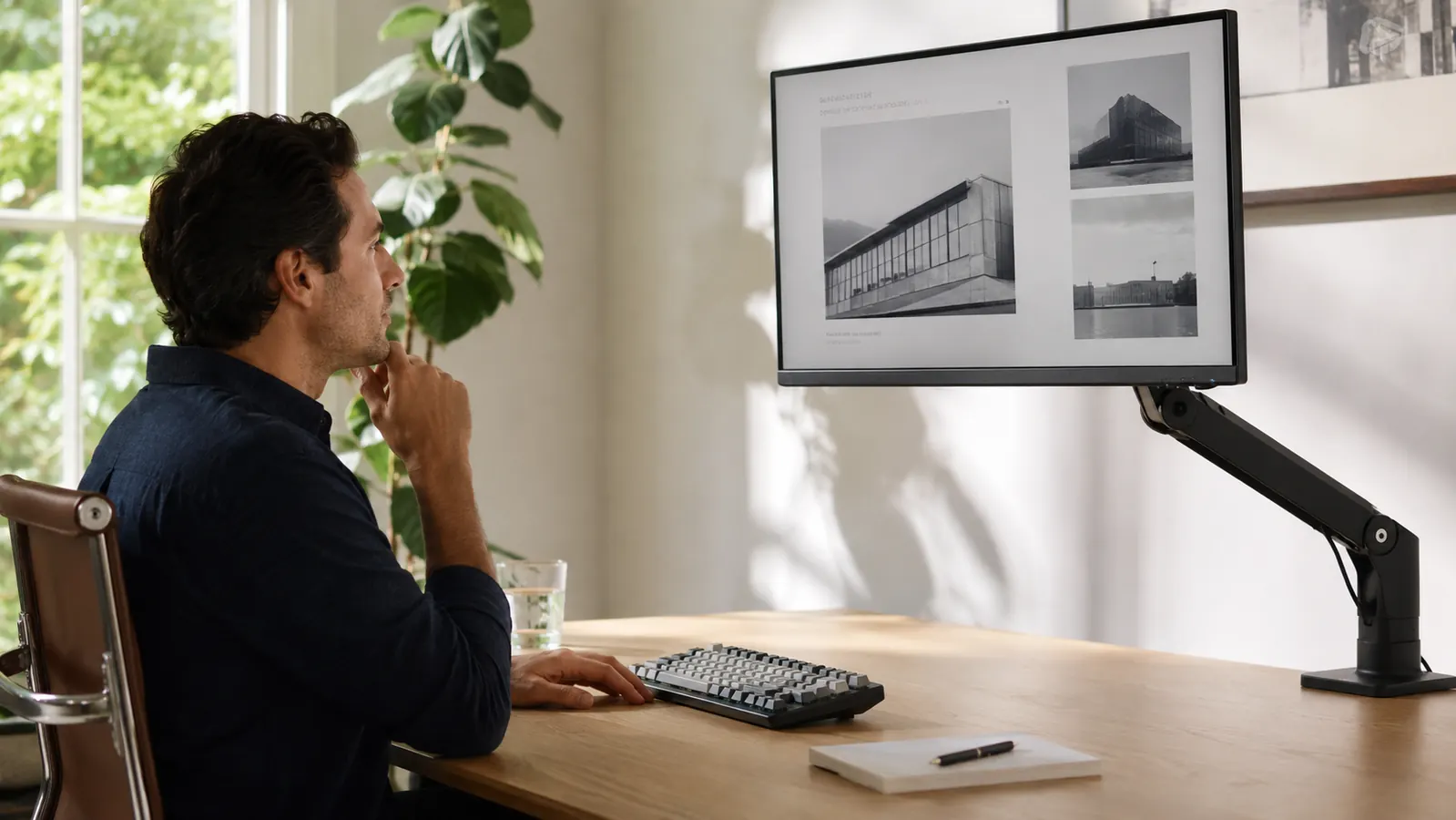
Five months ago I was staring at a 27-inch LG monitor that sat flat on its factory stand, roughly four inches too low for my eye line. By the end of each workday my neck ached in a specific, repeatable way, the kind that tells you the geometry of your setup is wrong. I had tried stacking the monitor on two reams of printer paper, which worked for about a week before I admitted I needed an actual solution. So I ordered the HUANUO FlowLift single monitor arm, bolted it to my IKEA Karlby desk, and have been adjusting it nearly every day since.
The HUANUO arm costs in the budget range on Amazon and carries over 16,000 ratings at 4.6 stars. Numbers like that are worth scrutinizing because they can reflect a product's actual quality or just its volume. After five months of moving this arm up, down, swiveling it during video calls, and clamping it through three different desk positions, I have a clear read on which category it falls into.
The Quick Verdict
A genuinely capable budget monitor arm that holds its position reliably for several months before needing a tension re-tighten. Best for 17 to 27-inch screens on desks up to 2.4 inches thick. The cable management is better than most at this price point, and the gas spring feels smooth on day one and day 150.
Amazon Check Today's Price →If your neck is sore by 2pm, an affordable fix is worth a look.
The HUANUO FlowLift is consistently in stock and ships Prime. Check the current price before it shifts, because budget arms at this rating tend to sell in volume and the price moves.
Amazon Check Today's Price on Amazon →How I Have Used It Over Five Months
My setup: a 27-inch LG monitor at 12.3 lbs, clamped to a 1.5-inch thick IKEA Karlby desktop that overhangs the edge about two inches. I work roughly seven to eight hours a day, five days a week, running Zoom calls in the morning and long writing sessions in the afternoon. In the morning I typically raise the arm a centimeter or two to account for the fact that I drink coffee sitting slightly higher in my chair. In the afternoon I push it back down and tilt it inward when I switch from calls to focused writing. That adds up to a real-world test of the articulation and tension, not a once-a-week repositioning.
I also moved my desk setup twice during this period, which meant dismounting the arm, reassembling it on a new desk edge, and re-tensioning the clamp from scratch. That gave me a clear look at how the hardware holds up to repeated real-world handling, not just the initial install.
The arm also came with me when I set up a temporary workspace in my spare bedroom for two weeks while I had work done on my main office. The grommet plate option meant I could use a different mounting style without buying a new arm. Most people will never need that, but it is a useful detail if your situation changes.
Build Quality and First Impressions
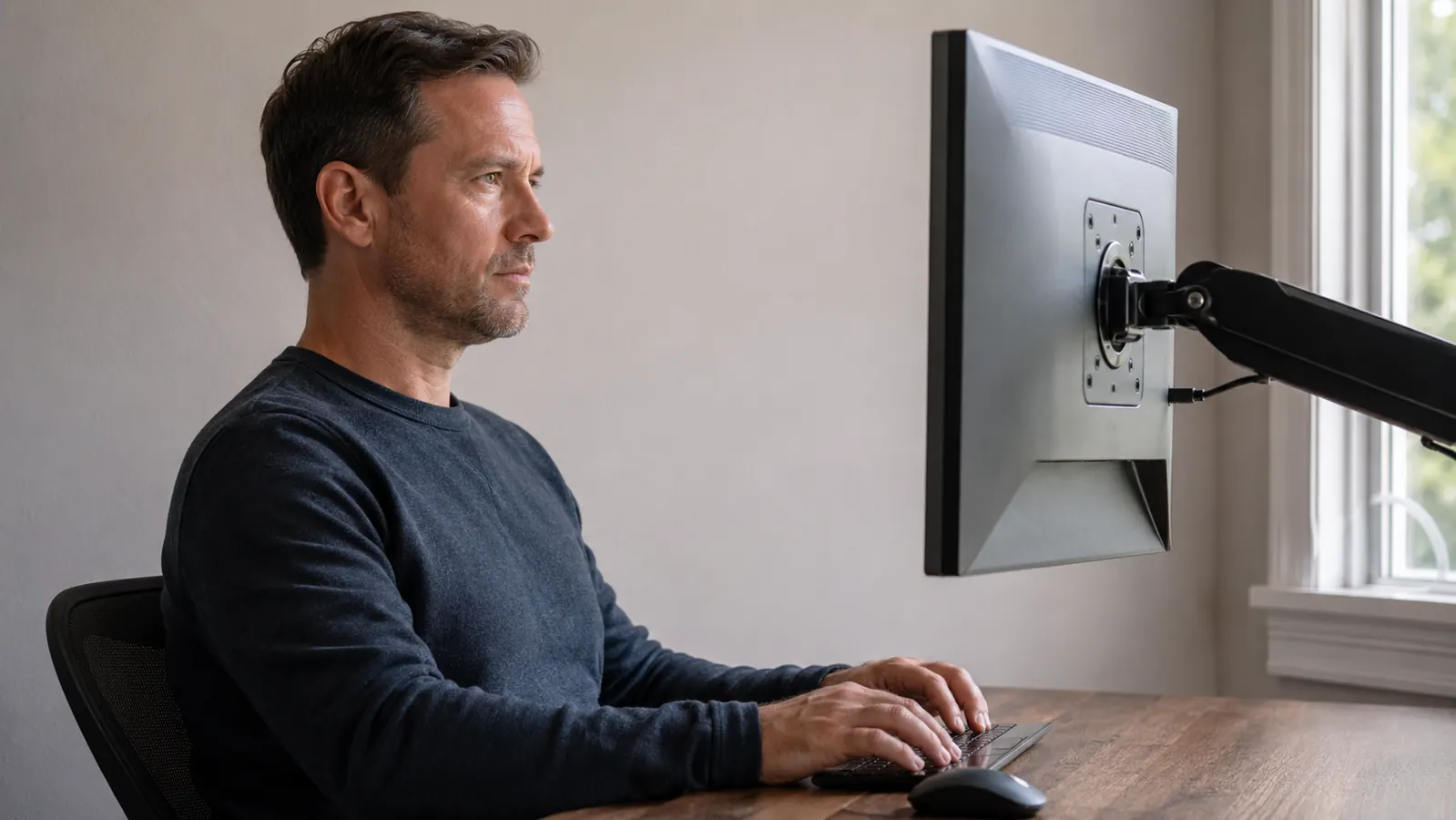
The HUANUO arrives in decent packaging with clearly labeled hardware and a short instruction sheet. The arm is matte black with a low-gloss finish that does not attract fingerprints noticeably. The joints feel solid, not hollow-plastic-rattle solid, but the kind where you push on them and nothing flexes or shifts unexpectedly. The clamp base has a rubber pad on the underside that grips without leaving marks, and the tightening mechanism uses a standard hex bolt that you set once with a wrench and then forget. I used a standard Allen key from a furniture assembly kit, not any special tool.
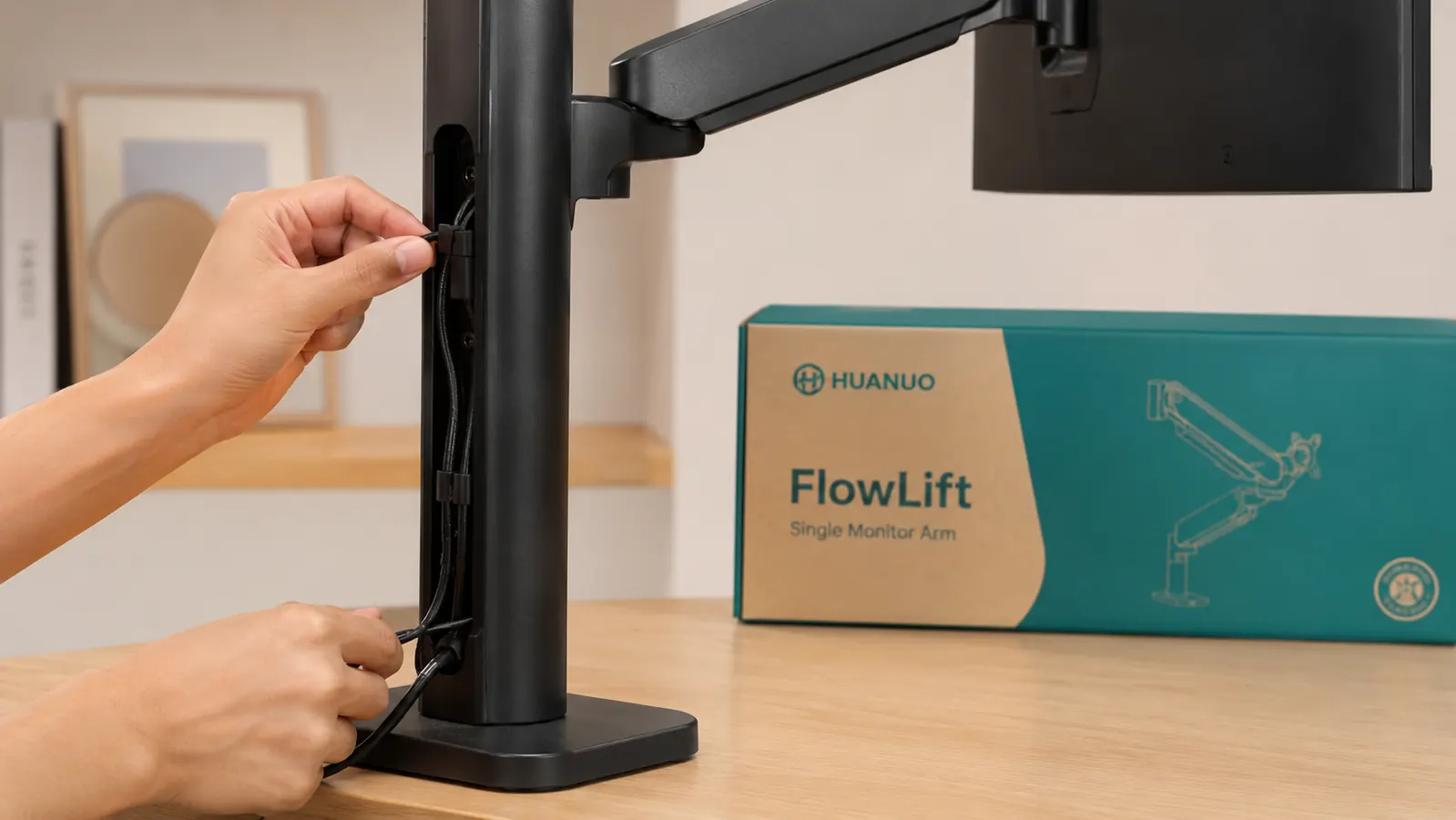
The VESA mounting plate supports 75x75mm and 100x100mm patterns, which covers the vast majority of monitors sold today. Attaching it to my LG took about four minutes. The cable management channel along the vertical post and the horizontal arm is a cut above what I expected at this price. I routed my DisplayPort cable, a USB-A cable, and a power cable through it cleanly, and they stay put without clips or zip ties. That is a practical quality-of-life feature that cheaper arms skip entirely.
Gas Spring Feel and Tension Over Time
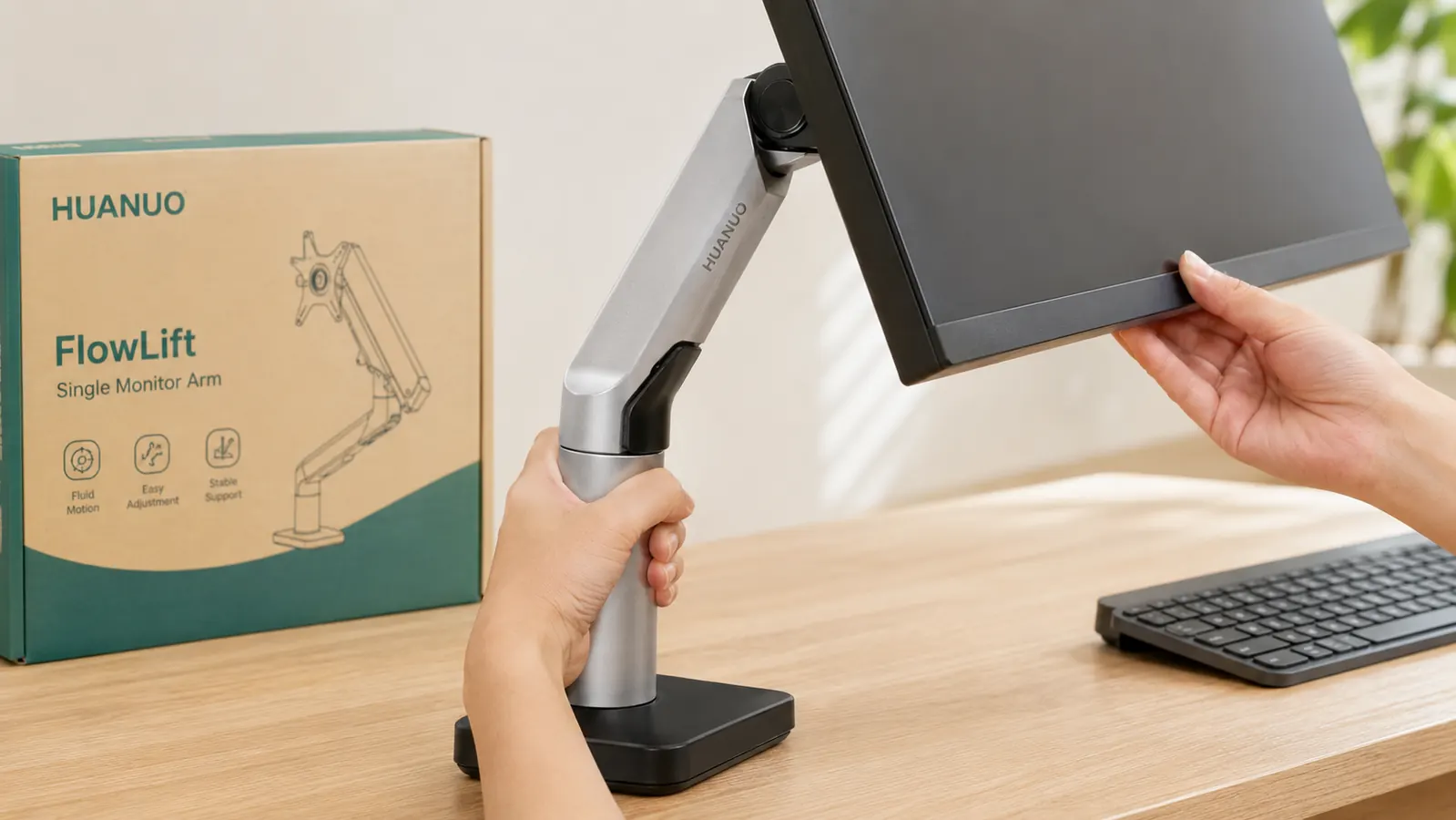
The FlowLift uses a gas spring mechanism, which means the arm is counterbalanced rather than friction-held. In practice this means the arm moves with one finger of pressure and stays wherever you leave it without a tension knob to lock down. On day one the spring felt smooth and well-calibrated for a 12.3 lb monitor. I was slightly worried the spring would weaken over time or start to drift, which is the failure mode that kills otherwise decent arms.
At five months, the spring still holds position without drift. I have not noticed any slow descent or bounce when I let go of the monitor. The arm does not float back up either, which would suggest an over-tensioned spring. For my 27-inch monitor weight, the calibration has stayed accurate. I will note that users with heavier 32-inch monitors near the arm's upper weight limit may see different behavior, because gas springs are tuned to a range, not a single weight. If your monitor is at the heavy end of the 17 to 27-inch spec, do the tension check at month three.
At five months, the spring still holds position without drift. I let go of the monitor and it stays exactly where I left it, the same as day one. That is not guaranteed at this price point.
Adjustability in Practice
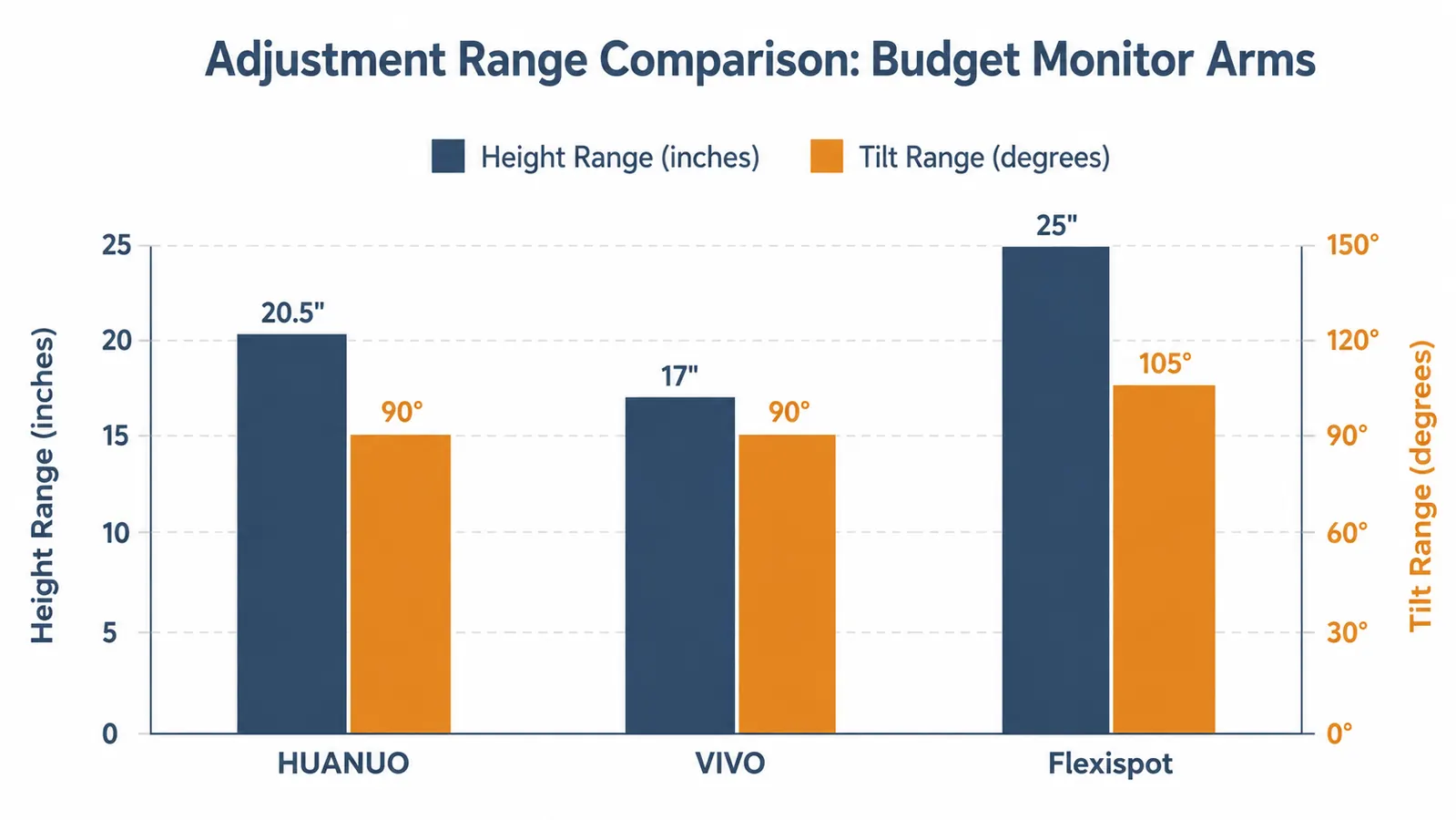
The arm offers height adjustment, forward and backward reach, swivel, and tilt. In real use I rely on height and tilt the most. The height range is generous enough that I can move the monitor from sitting position to standing if I put my desk in its standing mode, without touching the arm at all. The swivel is smooth in both directions with no stiff point in the middle, which I have encountered on cheaper arms that feel fine when you first set them up and then develop a dead zone after a few months.
Tilt is adjusted by a single bolt at the VESA mount. I tighten it to the point where the monitor does not bob when I type, but I can still push the angle intentionally. Getting that right took about three minutes of trial and adjustment on install. Since then I have not touched it. The tilt tension did not loosen over five months, which is the thing I was most watchful for. A monitor that slowly tilts forward while you work is worse than no monitor arm at all.
Where It Falls Short
The arm has one noticeable limitation: the clamp reach is comfortable up to about 2.4 inches of desk thickness, but my neighbor tried this arm on a thick butcher-block desk at 2.8 inches and the clamp did not close with enough grip to prevent slow loosening over time. HUANUO's own spec says up to 3.9 inches, but that upper range requires the extended spacer block they include, and at that thickness the clamp geometry puts stress at an angle that lets it work loose after a few weeks. If your desk is over 2.5 inches thick, test the clamp tension weekly for the first month.
The second limitation is reach. The arm extends to roughly 20 inches from the mounting point. If your monitor needs to sit close to the wall behind your desk and you are mounting the clamp near the front edge, you may run out of arm before the monitor reaches the center of your desk. Measure the distance from your planned clamp point to where the monitor needs to land before you order. Most standard desks are fine, but L-shaped desks or deep desks over 30 inches can create geometry problems.
The instructions are functional but assume some familiarity with VESA mounts. If this is your first monitor arm, give yourself 20 minutes instead of the 10 the box implies. Nothing is genuinely difficult, but the first-time setup sequence for threading cables before attaching the monitor is not obvious from the diagram.
Alternatives I Considered
Before landing on the HUANUO I looked at the VIVO single monitor arm, which sits in the same price range and has similar ratings. The VIVO uses a friction-based adjustment rather than a gas spring. For people who set their monitor position once and never touch it, VIVO is a reasonable choice. For my use case of daily repositioning, a gas spring is meaningfully better over a long period because friction joints develop wobble from repeated movement in a way that gas springs do not. I covered the HUANUO versus VIVO comparison in detail in a separate article if you want a full side-by-side. See my HUANUO vs VIVO monitor arm comparison for that breakdown.
The Ergotron LX is the premium option most people cite in this category. It is a better arm in measurable ways: smoother motion, wider weight range, stronger build at the joints. It also costs roughly four times as much. For a dedicated home office with a single monitor that you will use for years, the Ergotron makes sense. For a first monitor arm, a shared workspace, or anyone not sure they will keep the same monitor for long, the gap in quality does not justify the gap in price. The HUANUO gets you 85 percent of the result at 25 percent of the cost.
What I Liked
- Gas spring holds position reliably at 5 months with zero drift on a 12.3 lb monitor
- Cable management channel routes three cables cleanly without additional clips
- Clamp and grommet base included, useful if your desk setup changes
- Swivel and height range handles both sitting and standing desk modes without adjustment
- Setup is straightforward for anyone who has handled a VESA mount before
- 16,000-plus ratings at 4.6 stars reflects genuine volume satisfaction, not inflated numbers
Where It Falls Short
- Clamp can work loose on desks over 2.5 inches thick despite the listed 3.9-inch spec
- Reach of 20 inches may not reach center of very deep or L-shaped desks
- Tilt bolt requires a brief trial-and-error calibration on first install
- Instructions assume prior VESA mount experience; first-timers should budget extra time
- Heavier monitors near the 17-27 inch spec limit may see spring tension drift by month 3
Who This Is For
The HUANUO FlowLift is the right arm for remote workers and home office users who have a single monitor between 17 and 27 inches, a standard desk between 1 and 2.4 inches thick, and want to move their monitor position throughout the day without fighting a friction knob. If you are currently stacking your monitor on books, a box, or whatever is available, this is a direct and permanent solution to that problem. The improvement in neck comfort from getting the monitor to true eye level is not subtle after a few days. It is one of those ergonomic changes that makes you wonder why you waited.
It also works well for people who switch between seated and standing work if they have a sit-stand desk. The height range is wide enough that you can stay in the same arm position for both modes on most setups. That flexibility is real, not just a spec-sheet number. For more context on how the HUANUO compares to other desk organization upgrades, see my guide to why monitor arms transform a cramped desk setup.
Who Should Skip It
Skip this arm if your monitor is a large 32-inch panel near or above 15 lbs. The gas spring is calibrated for lighter screens and you will likely see drift within a few months. Skip it if your desk is a thick solid-wood or butcher-block surface over 2.5 inches at the mounting edge. Skip it if you need a dual-arm setup: this arm is single-monitor only and there is no adaptor that converts it. And skip it if you are planning to use it on a glass-top desk without a grommet hole, because the clamp will mark or crack glass surfaces. For those cases, step up to the Ergotron LX or look at HUANUO's own dual-arm model.
Five months of daily adjustments and it still holds position. That tells you what you need to know.
The HUANUO FlowLift is available Prime with free returns. If it does not fit your desk or your monitor does not play nicely with the spring tension, you can send it back. At this price point, it is a low-risk test with a high-probability upside for your neck and your desk space.
Amazon Check Today's Price on Amazon →