
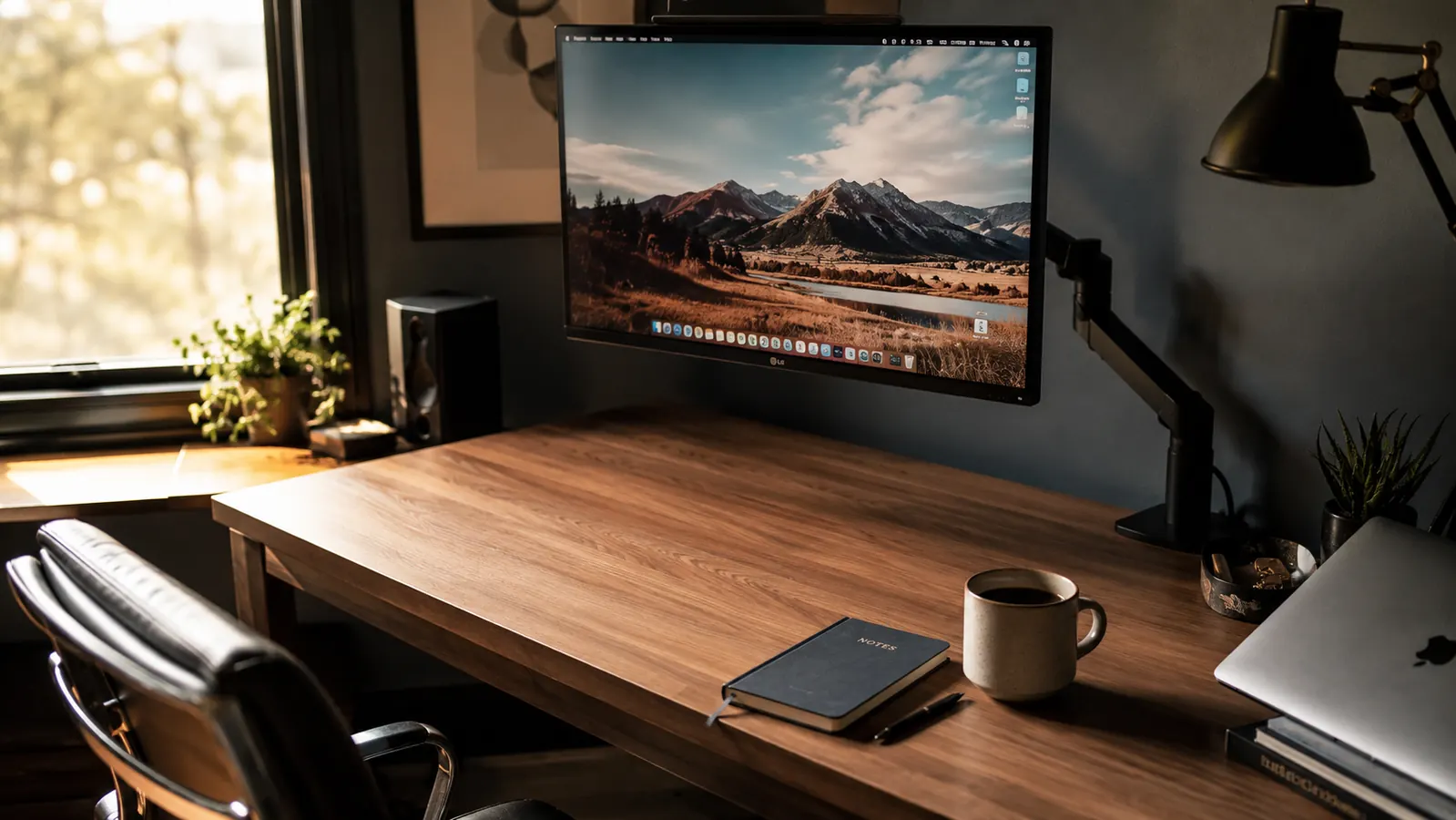
I resisted buying a monitor arm for two years. My screen sat on the stand it shipped with, the same as everyone else I knew who worked from home. Then a friend showed me his desk after he installed one, and I bought the HUANUO FlowLift Single Monitor Arm that same afternoon. I have not looked back. If you are still using a stock stand, here are the ten reasons I wish I had made the switch sooner.
The HUANUO arm fits monitors from 13 to 32 inches, mounts via C-clamp or grommet, and moves in every direction: swivel, tilt, rotate, height. It has over 16,000 ratings on Amazon at 4.6 stars. For around $33, it is the single highest-impact desk upgrade I have found at that price point.
Your desk has 8 inches of unusable space under that stand right now.
The HUANUO monitor arm frees that surface, raises your screen to eye level, and installs in under 20 minutes. Over 16,000 buyers gave it 4.6 stars. Check today's price before it changes.
Amazon Check Today's Price on Amazon →You Reclaim Real Desk Surface
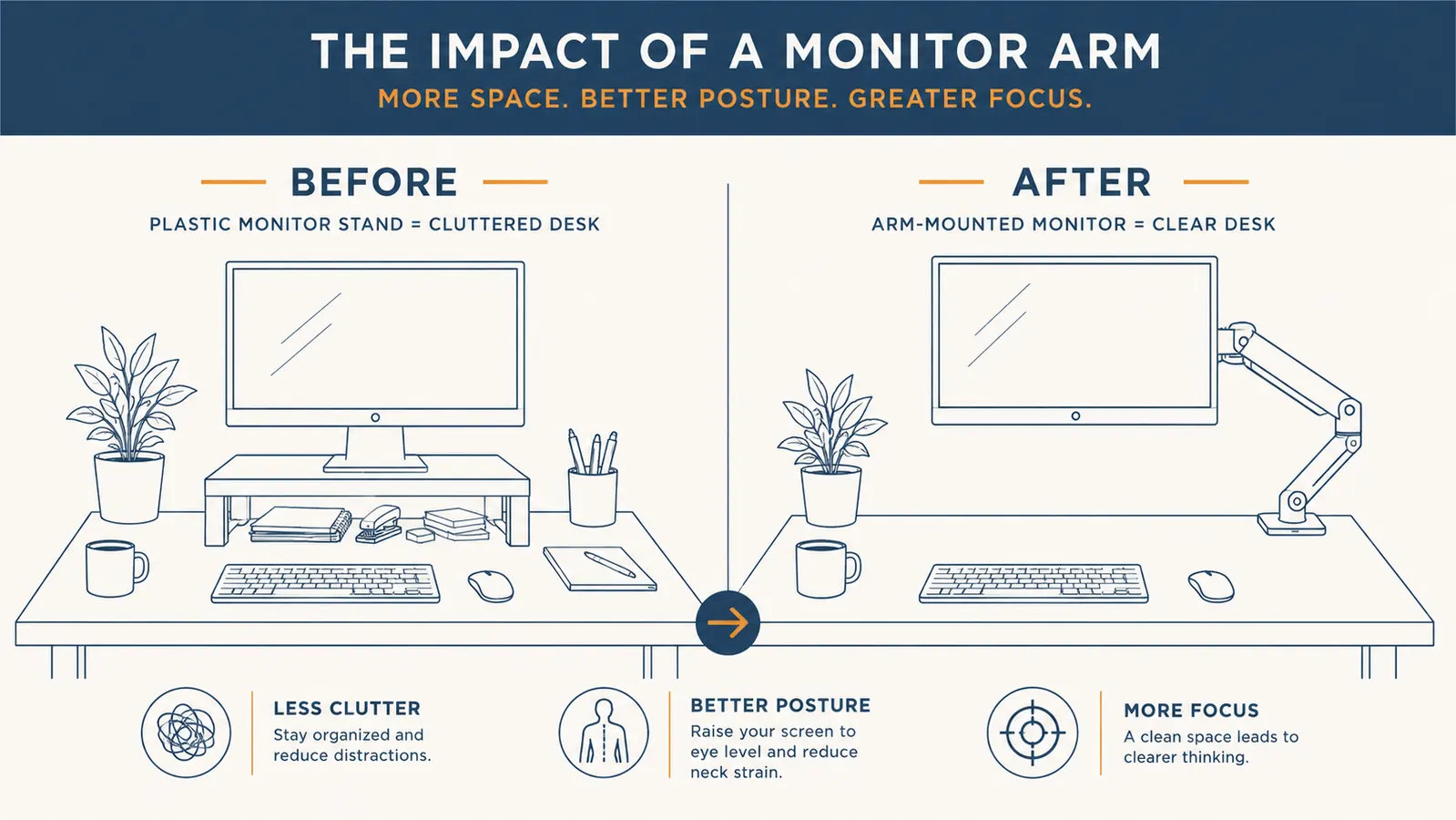
A standard monitor stand has a footprint of roughly 8 by 6 inches -- sometimes more. That chunk of surface is permanently occupied. The HUANUO clamps to your desk edge and lifts the screen into the air, returning that entire footprint to you. I use the freed space for a notepad, a second keyboard tray, and a proper place to rest my forearms. It is the kind of change that sounds minor until you feel how much more room you actually have.
Your Neck Stops Angling Down by Afternoon
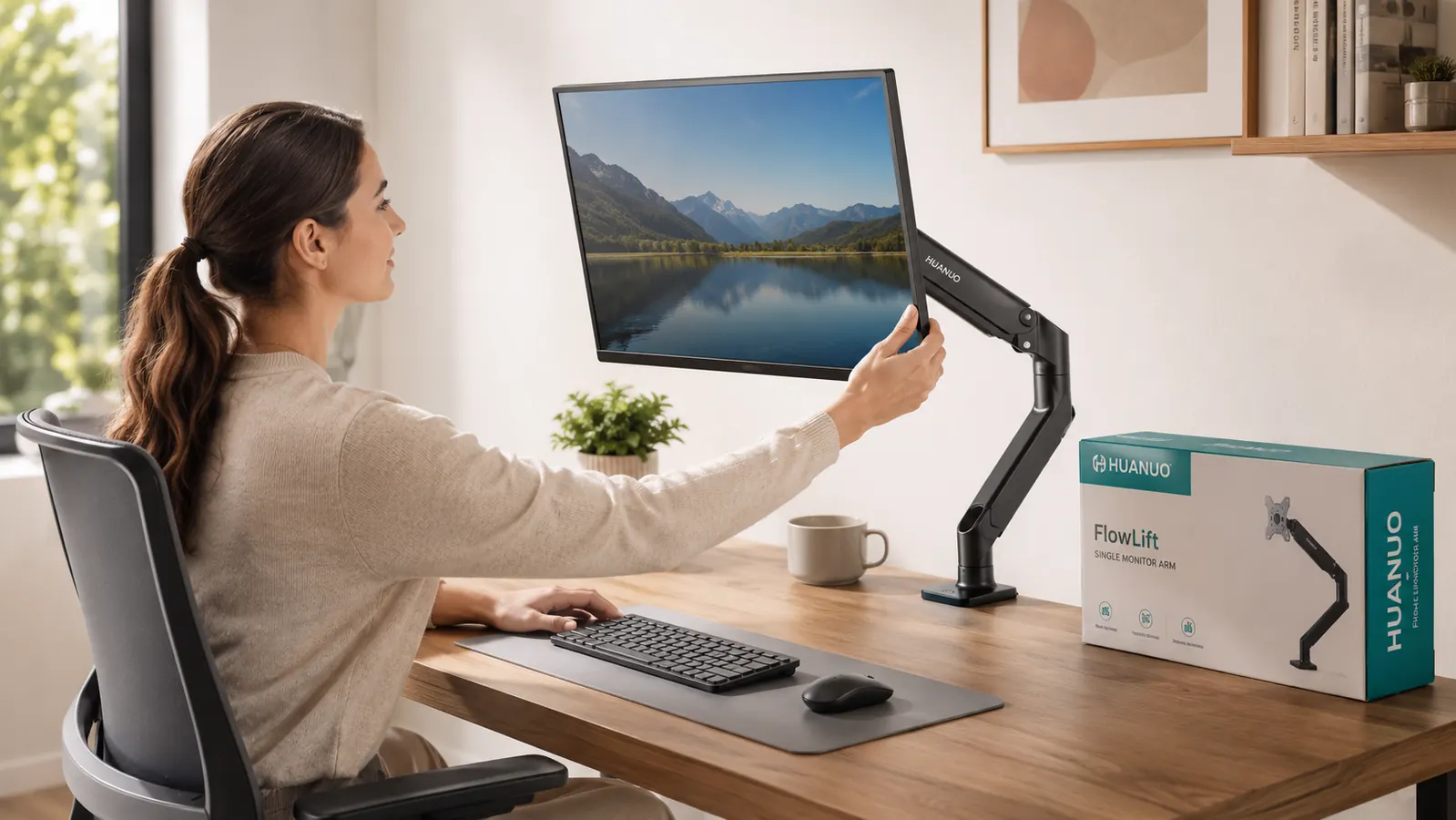
Stock stands are adjustable in name only. Most let you tilt the screen a few degrees and that is it. If your desk is too high or too low for your chair, you are craning your neck down at the screen all day. The HUANUO arm moves the monitor to wherever your eyes naturally land when you sit with good posture. I set mine so the top of the screen is just at eye level. Neck tension I thought was normal went away in the first week.
You Can Actually Clean Under Your Monitor
This sounds trivial. It is not. A stock stand sits flat on the desk, and crumbs, dust, and coffee rings accumulate underneath it permanently. You wipe around it. With the HUANUO arm, the surface below your monitor is open and easy to clean. Takes five seconds. My desk has stayed noticeably cleaner since the switch, which matters more than I expected for staying focused during a long workday.
Portrait Mode Becomes Practical
The HUANUO arm rotates the monitor a full 360 degrees, so flipping to portrait orientation takes three seconds. I use portrait mode when I am reading long documents or reviewing dense code. With a stand, rotating a monitor is a two-handed, move-the-whole-base operation that nobody actually does. With the arm, I rotate it during calls when I need to scroll a long brief and rotate it back when I am done. Portrait mode went from theoretical to daily.
Cable Management Gets Solved at the Same Time
The HUANUO arm has a built-in cable channel that runs along the arm itself. Feed your monitor power cable and display cable through it, and both disappear from view. The back of my desk used to be a tangle of cables dangling from the screen to the power strip. Now they route cleanly along the arm and drop straight down behind the desk. It took maybe five extra minutes during install and the result looks like a real office setup instead of a home experiment.
Adjusting Your Monitor for Different Tasks Takes Seconds
I write in a different position than I code. When I write, I lean back a little and want the screen slightly further away. When I do detailed work in a spreadsheet, I lean in and want it closer. With a stock stand, none of that adjustment happens. With the HUANUO arm, I reposition the screen with one hand in about three seconds. The gas spring holds whatever position I set without drifting. Small ergonomic wins across a full workday add up to a lot less fatigue by evening.
Video Calls Look More Intentional
When your monitor is on an arm, you can dial in exactly where the camera sits relative to your face. Most laptop-camera setups have the lens looking up your nose because the screen is too low. An external webcam on top of a properly positioned arm puts the lens at eye level, which reads as direct eye contact to whoever is on the other end of the call. Your framing looks intentional rather than accidental. It is a small detail that your manager and clients will register even if they never comment on it.
Neck tension I thought was just part of remote work went away in the first week after I set the HUANUO arm to the right height. That alone paid for it.
The Install Is Genuinely Easy
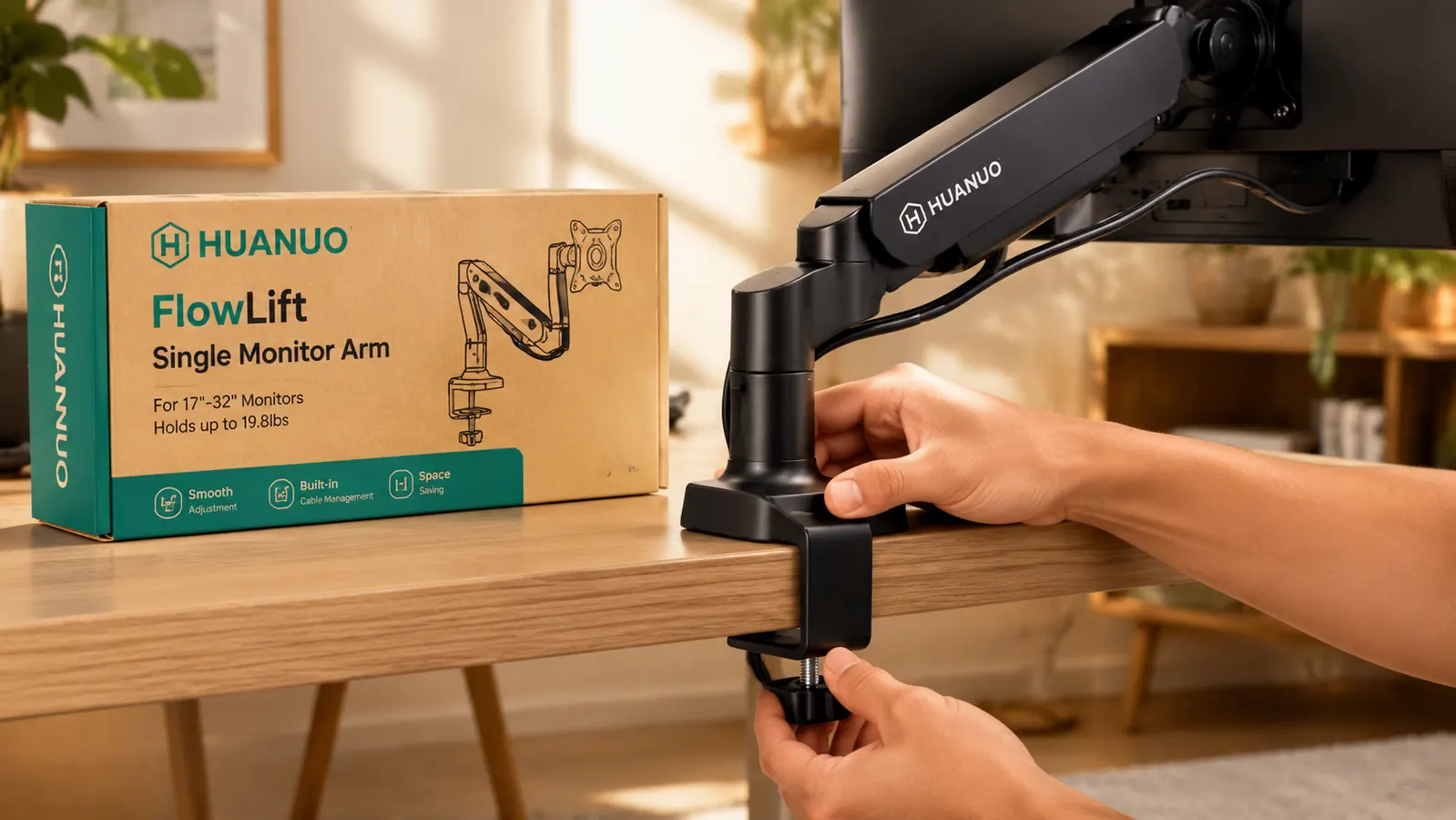
I was braced for an assembly nightmare. It took me 18 minutes start to finish. The HUANUO arm ships with both a C-clamp and a grommet base, so it works whether your desk has a hole or not. The arm itself clicks together in a straightforward way -- no confusing hardware, no stripped bolts. The included Allen key handles everything. You do not need to watch a tutorial. The instruction sheet is clear enough to follow without hunting YouTube.
It Works for Any Monitor Up to 32 Inches
The HUANUO arm handles monitors from 13 to 32 inches and supports up to 22 pounds. If you upgrade your monitor down the road, the arm comes with you. I moved mine from a 24-inch panel to a 27-inch panel without buying anything new. The weight tension is adjustable via a set screw on the arm joint, so it holds the heavier monitor without drooping. This is the kind of future-proofing that justifies the purchase beyond just your current setup.
The Price Makes It a No-Risk Swap
At around $33, the HUANUO arm costs less than most desk organizers that do far less for your setup. If you already have a keyboard, a good chair, and a decent monitor, this is the last ergonomic upgrade that will make a visible difference. I have recommended it to four colleagues in the past year. All four installed it within a week of getting their units and none of them went back to a stand. At this price, the risk is not buying it and finding out your neck and desk space were fine all along.
What I Would Skip
If your desk is a thick glass surface or a tempered glass top with no lip to clamp onto, the C-clamp mount will not work. You would need the grommet base, which requires a pre-existing hole. Glass desks without a grommet hole are a mismatch for any clamp-style arm, not just the HUANUO. The same goes for desks thinner than half an inch or thicker than three inches -- the clamp range has limits. Measure your desk edge before ordering. Outside of those two cases, this arm fits the vast majority of home office setups without issue.
I also would not buy this if you need a dual-monitor setup. The HUANUO FlowLift is a single-arm mount. For two screens you need a different model. For one screen, especially in the 24-to-32-inch range, this arm is the one I keep recommending. See my full long-term test in the HUANUO monitor arm review and the unfiltered take in my honest review covering the one flaw I found.
Four colleagues. All four installed it the same week they got it. None of them went back to a stand.
If your neck hurts by 3pm and your desk feels crowded, you already know what to do.
The HUANUO FlowLift Single Monitor Arm takes under 20 minutes to install, fits monitors up to 32 inches, and has 16,000-plus verified ratings at 4.6 stars. Check today's price on Amazon and see if it is still under $35.
Amazon Check Today's Price on Amazon →