
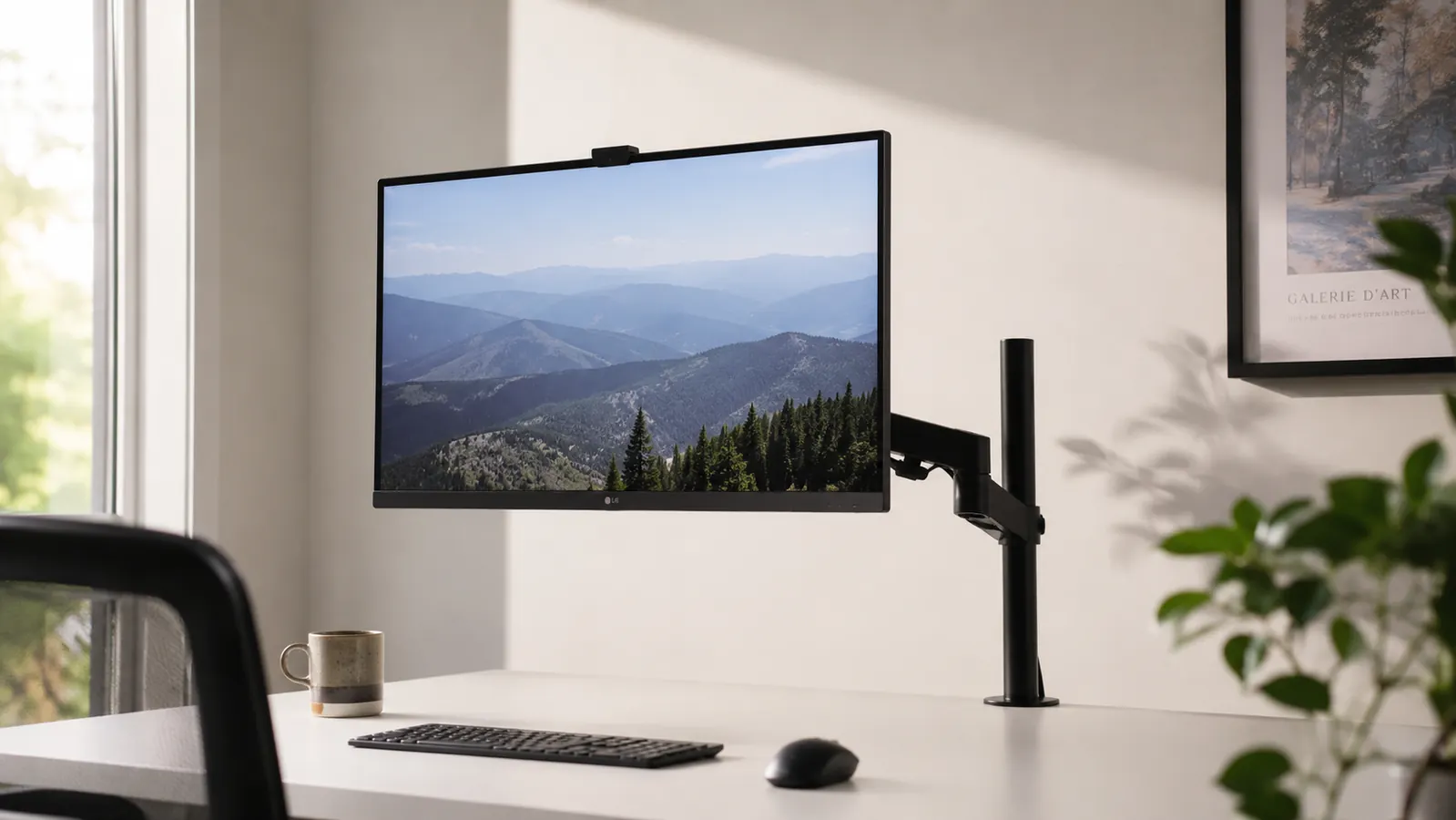
The HUANUO FlowLift single monitor arm has over 16,000 Amazon ratings and sits at 4.6 stars. At a budget price point it is consistently one of the best-selling budget arms on the platform. I have had mine bolted to a desk for months, and my honest read is this: it is a genuinely good arm that ships with a couple of setup surprises nobody puts in the listing. If you know about them before the box arrives, you will have it running perfectly in 20 minutes. If you don't, you might spend an hour convinced you got a defective unit when you actually just need to make one small adjustment.
This is not a puff piece. I am going to tell you about the collar play issue, walk you through the gas spring tension ritual that the instructions skip entirely, and be honest about the one thing that still bugs me after regular use. By the end you will know whether this arm fits your desk, your monitor, and your expectations, or whether you should spend more.
The Quick Verdict
A well-built budget monitor arm that handles gas spring mechanics better than the price suggests, let down by a horizontal arm collar that has noticeable play until you torque it down correctly. Know how to tune it, and you will be happy. Skip the tuning step, and it will frustrate you.
Amazon Check Today's Price →Your neck is already paying the price of a bad monitor position. An affordable fix has free returns if it doesn't work.
The HUANUO FlowLift ships Prime and Amazon accepts returns if the arm doesn't fit your desk or monitor. Check the current price before it moves, because it fluctuates a few dollars in either direction.
Amazon Check Today's Price on Amazon →What the Product Page Won't Tell You About Setup
The box contains the arm, the clamp base, a grommet base, a bag of bolts, and a single folded instruction sheet. The sheet is functional, not detailed. It shows you how the pieces connect without telling you what the friction points are or why certain things feel wrong before they feel right. Here is what I wish I had known before I started.
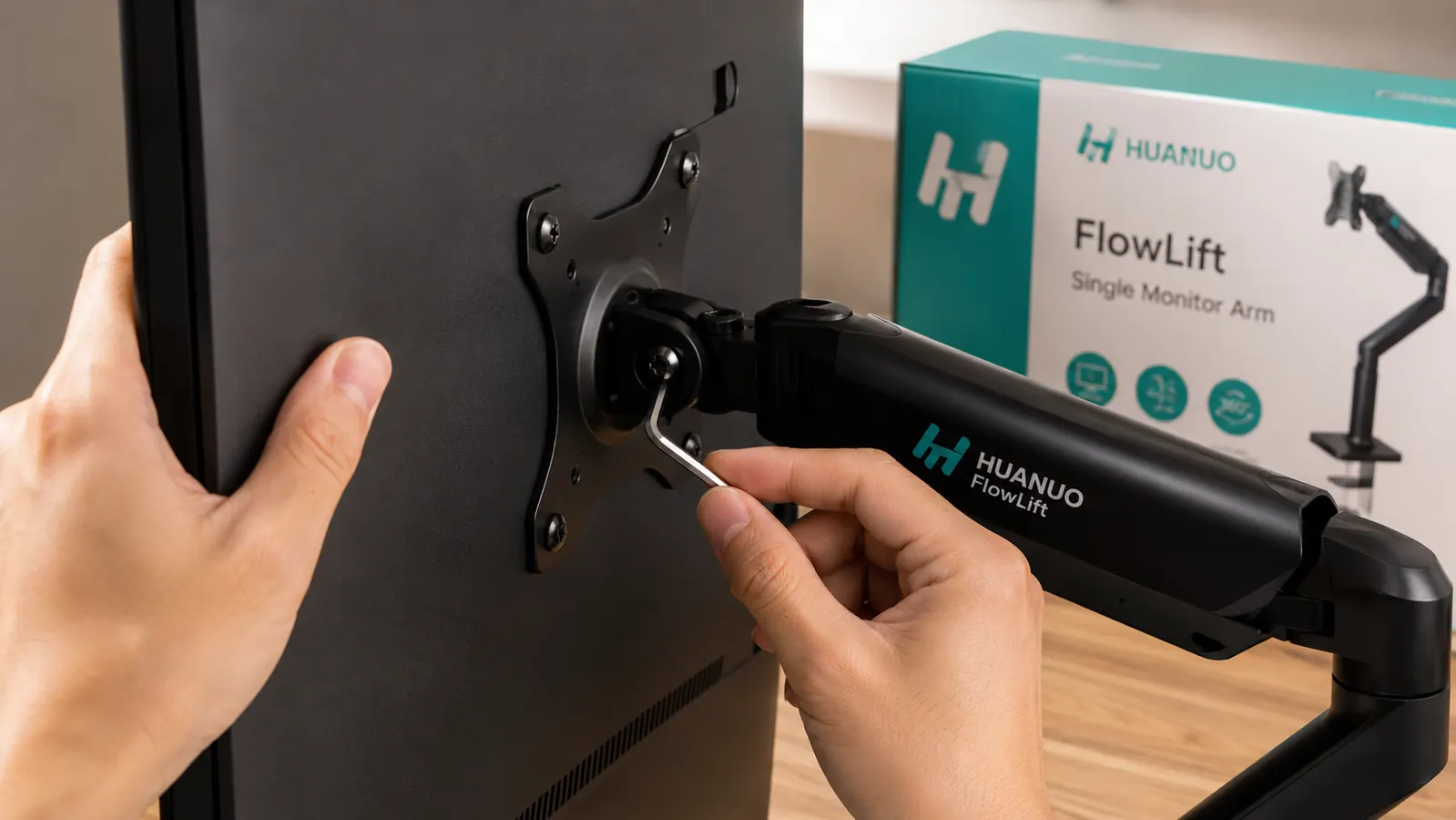
First, the horizontal arm collar. Where the vertical post meets the horizontal arm there is a collar joint secured by a set screw on the side. Out of the box, this collar has a small but noticeable amount of rotational play. When you first mount your monitor and push the arm to your preferred position, you may notice a slight give when you tap the side of the screen, like the arm can rotate a fraction of a degree at that joint. This is not a defect. It is the set screw being at factory torque, not final-tightened torque. Use the provided hex key, find the small set screw on the side of that collar, and tighten it roughly a quarter turn past where it starts to resist. The play disappears. This step is not mentioned in the instructions.
Second, the gas spring tension. The spring ships pre-set for a midrange monitor weight, roughly 10 to 13 lbs. If your monitor is lighter than 10 lbs, the arm will float upward when you release it. If it is heavier than 13 lbs, the arm will slowly sink after you position it. There is a tension adjustment bolt at the base of the gas spring, accessible from underneath the arm. Turning it clockwise increases resistance. Most people need two to four quarter-turns of adjustment from the factory setting to dial in their specific monitor weight. Do this before you route any cables, because you will be moving the arm a lot during calibration.

How the Gas Spring Actually Feels Day to Day
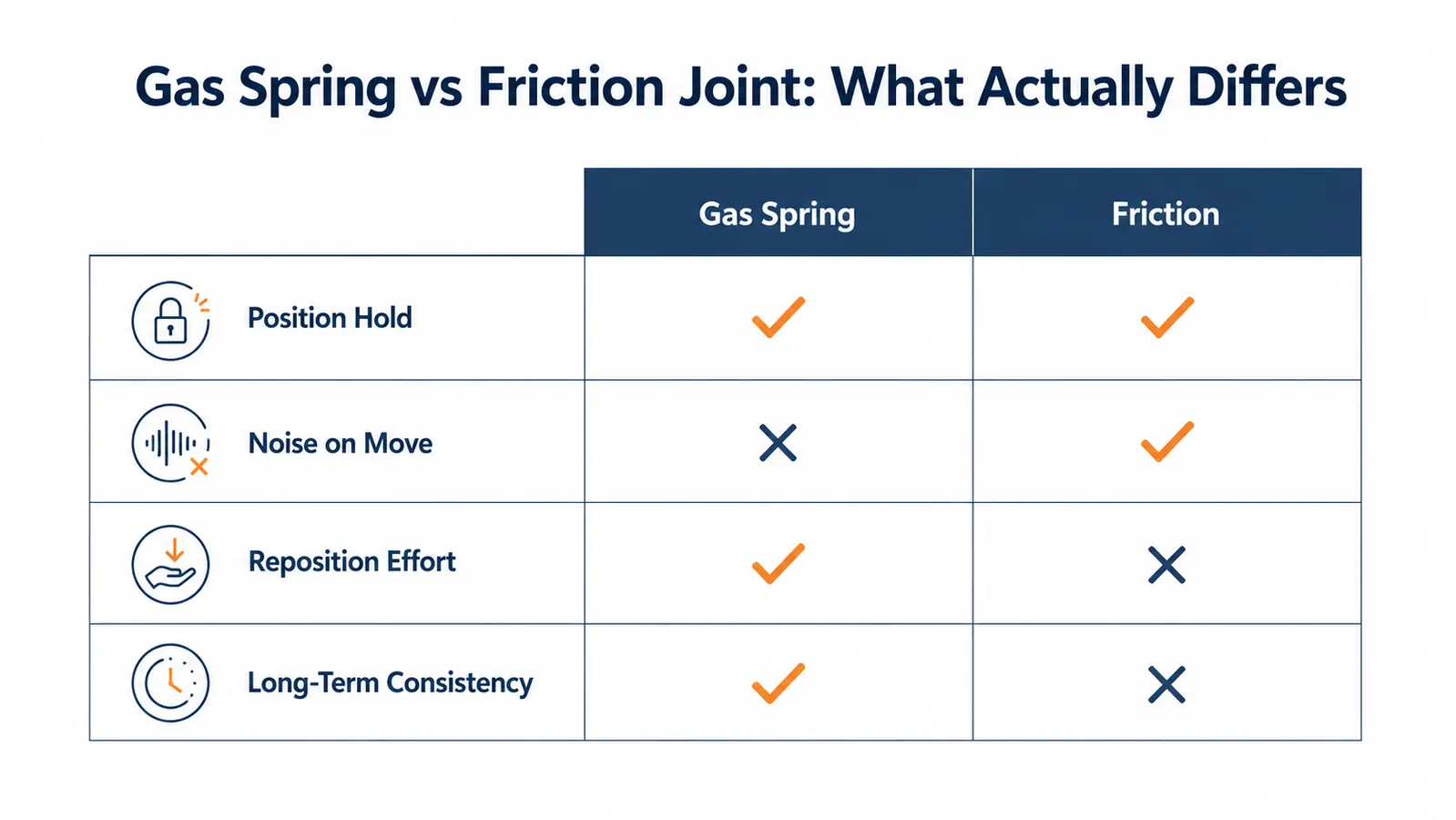
Once the tension is tuned for your monitor weight, the gas spring is the part of this arm that earns its reviews. Moving a monitor on a friction arm requires you to unlock a knob, reposition, then re-lock. Moving a monitor on the HUANUO requires you to grip the screen and push it where you want it. That is the entire procedure. No knobs, no unlocking, no re-locking. The arm meets you exactly where you stop and holds there.
The motion is smooth, not stiff or jerky. When you raise the monitor you feel a consistent resistance that is the spring working against gravity. When you lower it you feel a consistent braking effect, not a sudden drop. This is the correct gas spring behavior, and it has stayed consistent through regular repositioning. Budget gas spring arms sometimes use lower-grade pneumatic cylinders that start to leak within a year, causing the arm to slowly lose its hold. I cannot speak to multi-year performance at this price point, but through the months I have used this arm, the spring has not changed character at all.
Once you tune the tension for your monitor weight, moving the screen is one gesture: grip and push. No knobs, no unlocking, no ritual. That is what you are paying for.
Cable Management: Better Than Expected, With One Catch
The HUANUO has a cable management channel that runs along the vertical post and the horizontal arm. The channel is a plastic sleeve with an open slot on one side that you press cables into. You can fit two to three standard display or USB cables in it comfortably. The cables stay put once pressed in and do not flap around when you reposition the arm. Compared to budget arms that have no cable management at all, this is a real improvement in how your desk looks.
Here is the catch: you have to route the cables through the channel before you mount the monitor, not after. Once the VESA plate is attached and the monitor is on, getting cables into the channel at the VESA end requires you to partially dismount the screen. This is not obvious from the instructions or from the listing photos, which show cables already neatly routed. If you mount the monitor first and try to thread cables into the channel afterward, you will spend 15 minutes fighting a task that takes 90 seconds if done in the right order. Route cables first. Mount monitor second.
The Clamp Base: Solid on Normal Desks, Specific Limits on Unusual Ones
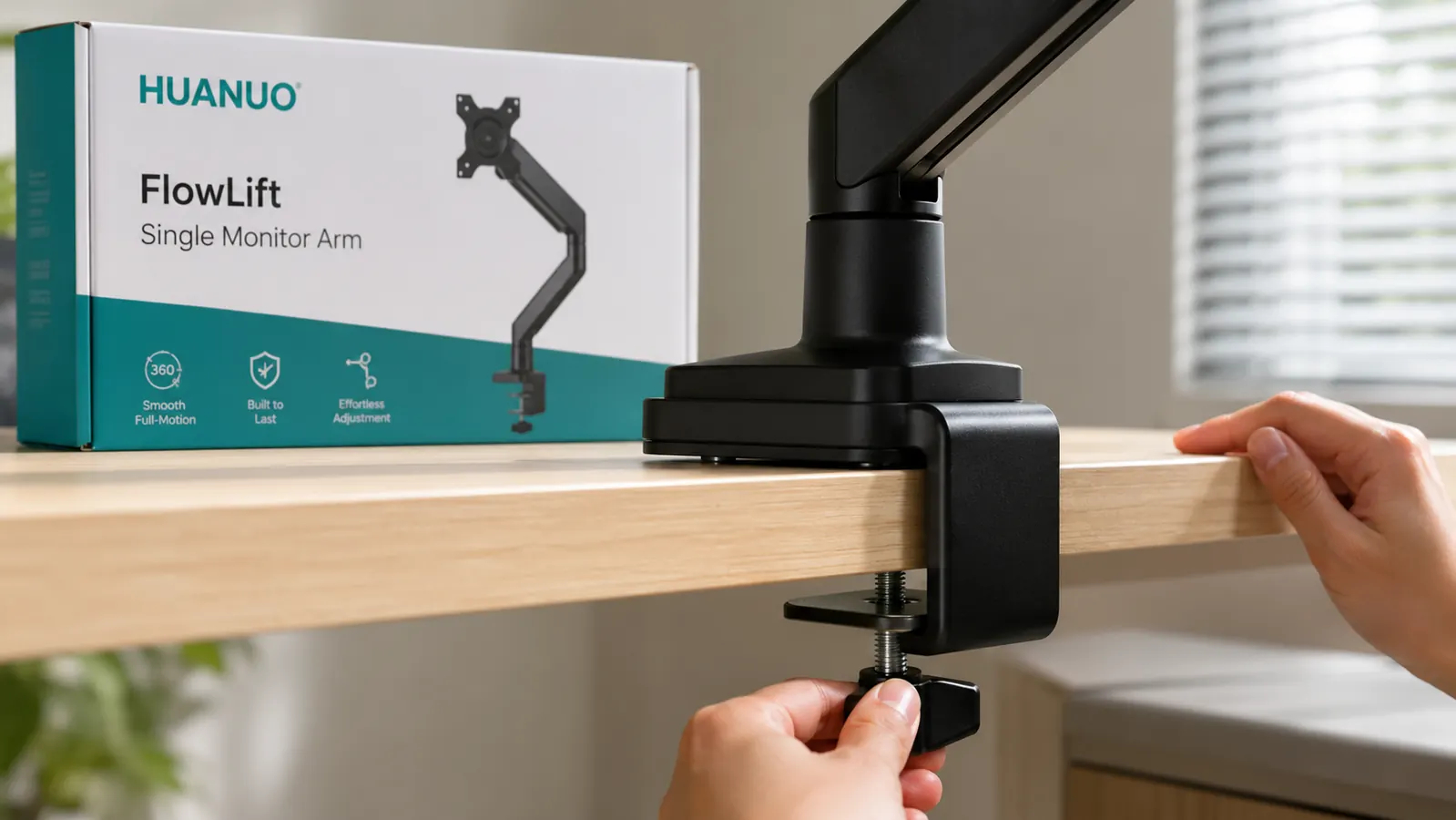
The C-clamp base has a rubber pad on the bottom that grips wood, laminate, and most finished surfaces without marking them. The tightening mechanism is a hex bolt on the underside that you torque down once and leave. On a standard desk with a 1 to 2.4-inch thick top, the clamp holds firm without any movement. I have not experienced any clamp migration or loosening on a normal desk edge.
Where things get complicated: the arm ships with a spacer block for desks over roughly 2 inches thick. The spacer works, but at the upper end of the stated range, around 3 to 3.9 inches, the angle of force from the clamp jaw changes in a way that puts the load on a narrower contact surface. On a very thick or rounded-edge desk in that range, some users report gradual loosening after a few weeks. If your desk edge is over 2.5 inches thick, check the clamp torque once a week for the first month. On standard desk thicknesses under 2 inches, this is not a concern at all.
The arm also ships with a grommet base, which uses a bolt-through hole in the desk rather than a clamp. If your desk has a grommet hole, use it instead of the clamp. The grommet mount is more stable under the full weight range because the force is distributed through the desk material rather than just the edge. It is the better mounting option when available.
The One Thing That Still Bugs Me
After everything else about this arm is set up and dialed in, there is one design choice I cannot fully make peace with. The horizontal arm's swivel action, the rotation that lets you swing the monitor left or right at the pivot point above the vertical post, has a slightly gritty texture to it. Not rough, not squeaky, but there is a faint mechanical resistance when you swivel the monitor laterally that feels different from the smooth gas spring action in the vertical plane. It is like the two axes of motion were engineered by different teams.
For most users this will never matter. If you set your monitor in one horizontal position and never swivel it, you will never notice. But if you pull the screen to face a colleague or a second person in the room regularly, you will feel the difference between this arm's horizontal swivel and the silky motion of an Ergotron LX. It is not a functional problem. It is a tactile quality gap that costs you nothing but reminds you occasionally that you bought a budget arm, not a premium one.
Is a Budget Arm Actually Right for You, or Should You Spend More
The honest answer depends on what you are optimizing for. If you want a first monitor arm that gets your screen off the desk stand, frees up that footprint of desk space, and positions your monitor at eye level without you having to think about it again for a year, the HUANUO is the right call. The gas spring works. The cable management is clean. The arm holds position. For most single-monitor home office desks with a 17 to 27-inch screen, this arm does everything that matters.
If you are buying your second or third monitor arm and you already know how much you use the horizontal swivel, or if you have a premium desk you care about aesthetically, consider moving up to the Ergotron LX. The Ergotron costs roughly four times more but the build quality throughout, including that swivel action, is noticeably better. For a daily-driver home office on a desk you care about, the long-term cost-to-quality ratio may favor the Ergotron. The HUANUO is where you start, not necessarily where you end up. If you want to compare these arms side by side with specs, see my HUANUO vs VIVO monitor arm breakdown which covers the friction-arm alternative at the same price point.
What I Liked
- Gas spring holds its calibrated position accurately once tuned for your monitor weight
- Cable channel keeps two to three cables routed cleanly with no additional hardware
- Grommet base included for more stable mounting when a desk hole is available
- Swivel and height range covers both seated and standing desk positions without remounting
- Free returns via Amazon make it a low-risk first purchase for anyone unsure about monitor arms
- Collar play issue is fully fixable with a quarter-turn of the hex key once you know where to look
Where It Falls Short
- Collar set screw must be manually tightened beyond factory torque to eliminate lateral play
- Gas spring requires tension tuning before it holds correctly for your specific monitor weight
- Cables must be routed before monitor is mounted or the process becomes awkward
- Horizontal swivel has a gritty texture that is noticeably inferior to the smooth vertical gas spring
- Clamp may need weekly checks during the first month on desk edges over 2.5 inches thick
Who This Is For
Buy the HUANUO FlowLift if you have a single monitor between 17 and 27 inches, a standard desk under 2.5 inches thick, and you want a gas spring arm that will hold your monitor where you put it without a locking knob. It is especially good for anyone setting up a monitor arm for the first time, because the free-return policy means you can try it risk-free. The setup quirks I described are easy to handle once you know about them, and the core mechanics are solid. For anyone wondering whether a monitor arm is worth it at all, this arm used alongside the right desk accessories makes the whole setup feel intentional. See my long-term HUANUO review for how it held up specifically across daily adjustments over several months.
Who Should Skip It
Skip this arm if your monitor weighs more than 14 lbs, which typically means a 32-inch display or a heavy older panel. The gas spring calibration range does not cover that weight reliably and you will get drift. Skip it if you have a glass-top desk without a grommet hole, because the clamp will mark or crack glass. Skip it if you already own a friction-joint arm and want an upgrade specifically because of the swivel feel, because the HUANUO's horizontal swivel will disappoint you. And skip it if you need a dual-monitor configuration, because this arm is single-monitor only with no expansion option. Those buyers need to look at Ergotron or HUANUO's own dual-arm model.
Know the two setup steps, spend 20 minutes, and this arm will hold your monitor exactly where you want it at a budget price.
The HUANUO FlowLift is available Prime on Amazon. If you set it up with the tension tuning and the collar tightening I described above, you will have a monitor arm that behaves like it costs more than it does. Check today's price before it shifts.
Amazon Check Today's Price on Amazon →