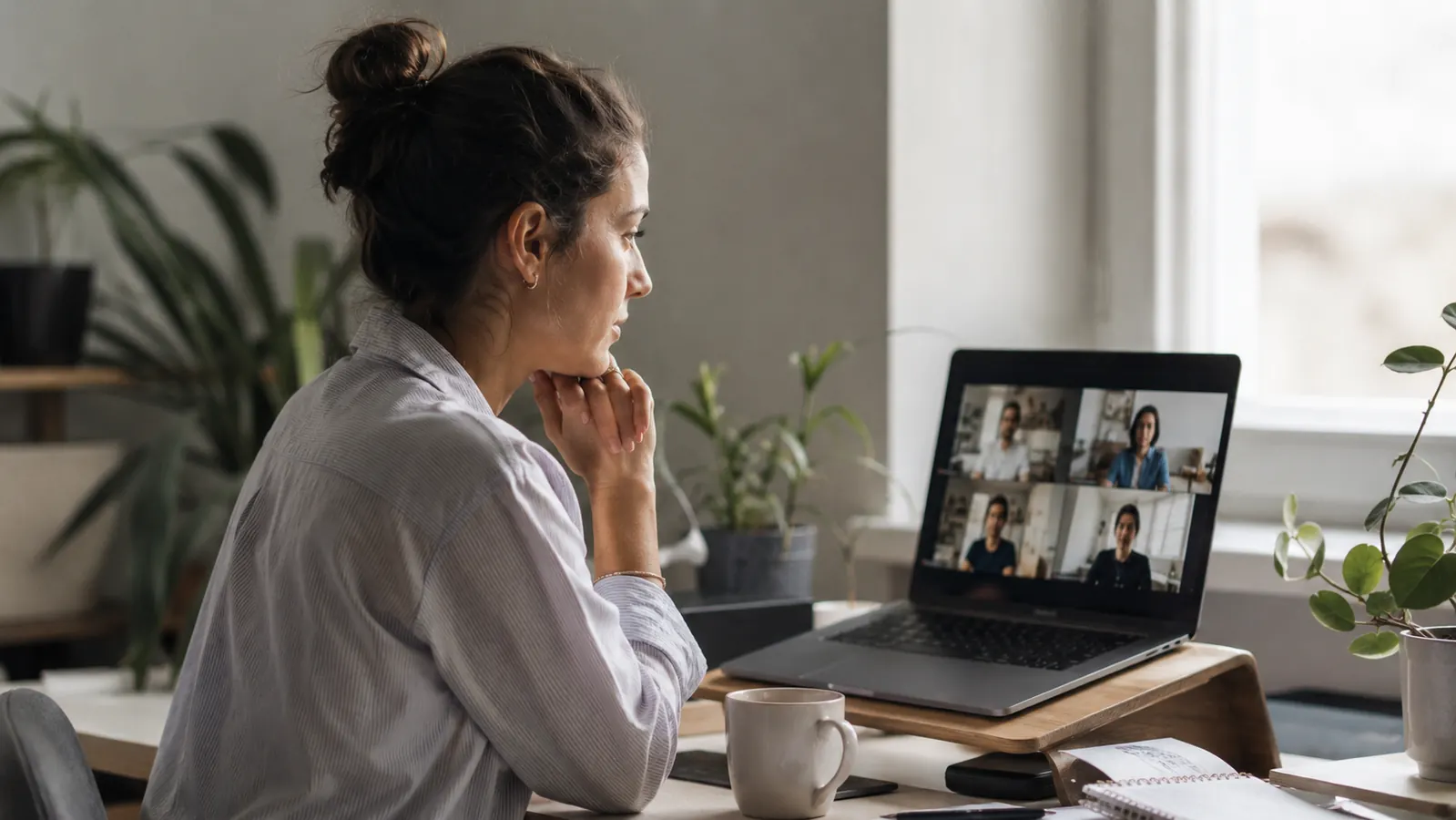
About eight months into working fully remote, my manager pulled me aside after a team standup. She said it nicely, the way managers do when they are being diplomatic: "Marcus, I think there might be something off with your camera. Your video looks a little dark." I laughed it off in the moment. But after the call I opened the Zoom window and looked at my thumbnail. She was right. I looked like someone was interviewing me from a parking garage.
The laptop I was using was a mid-range Dell I had bought two years prior. Built-in camera, 720p, fixed focus. On a good day, in a bright room, it produced a passable picture. On a cloudy afternoon with my desk light off, it produced something closer to surveillance footage. I had never thought much about it, because I had never actually watched myself on a call. Most of us do not. We are too busy watching other people.
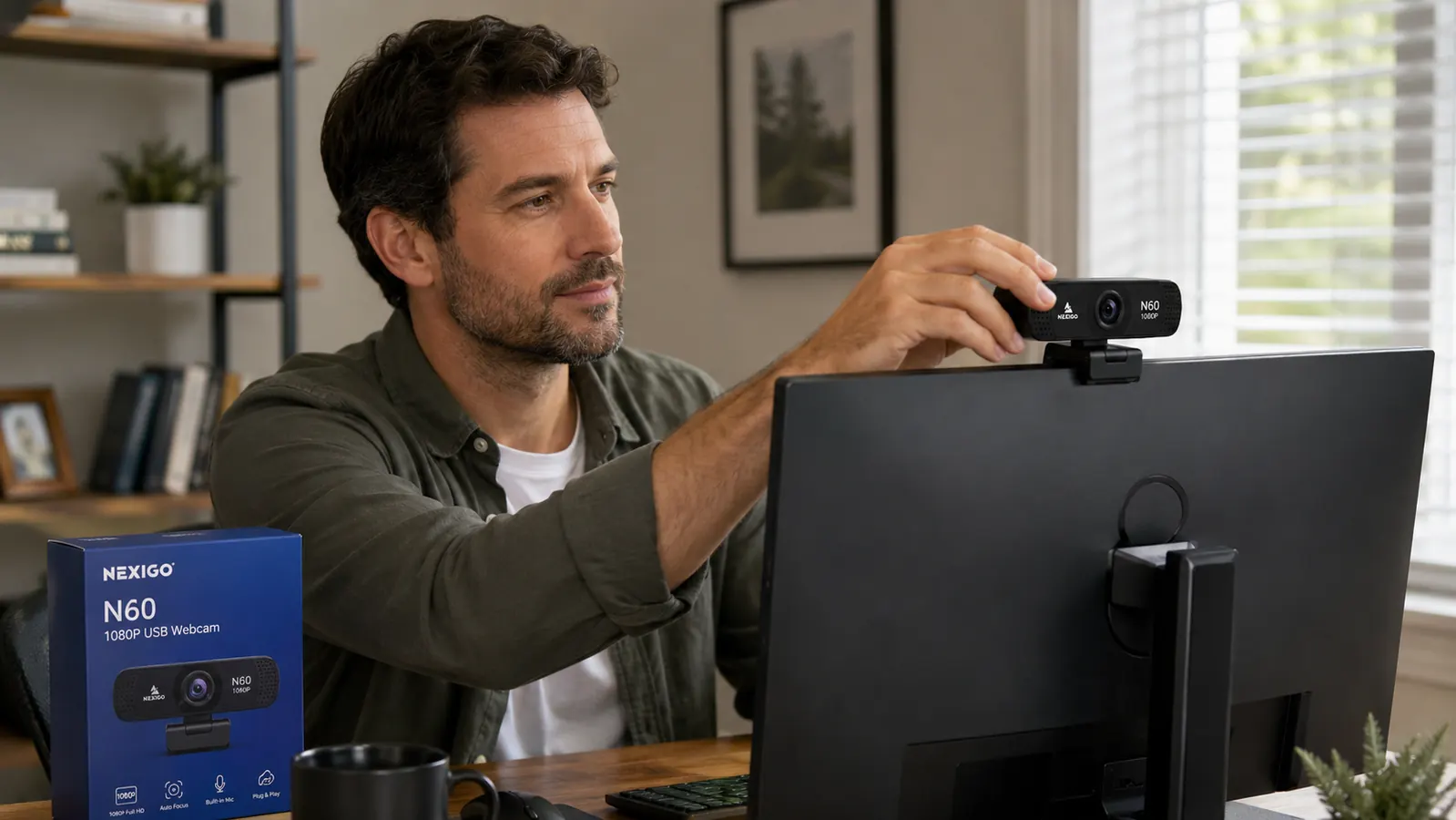
That afternoon I started looking at webcams. My first instinct was to go toward the Logitech options because those are the names you see everywhere. The C920 was fine but on the higher end. The C922 was more. I did not want to spend that kind of money on what felt like a peripheral I should have had from the start. I wanted something that would fix the actual problem, not something that would impress me on spec sheets.
I landed on the NexiGo N60. At the time it was budget-priced, and it had over 50,000 ratings on Amazon with a 4.3-star average. That number of reviews on a product at that price point is usually a signal worth paying attention to. A lot of bad cameras generate bad reviews fast. A camera that holds a 4.3 across 52,000 people is doing something right.
I had never actually watched myself on a call. Most of us do not. We are too busy watching other people.
It arrived the next day. Setup took about ninety seconds: peel off the plastic, clip it to the laptop bezel, plug in the USB cable, open Zoom. That was it. No driver installation. No software I had to hunt down. The NexiGo Webcam App is available if you want to fine-tune brightness, contrast, and white balance, but the default auto settings were good enough right out of the box. My next call was later that afternoon and I was curious enough to watch my own thumbnail this time.
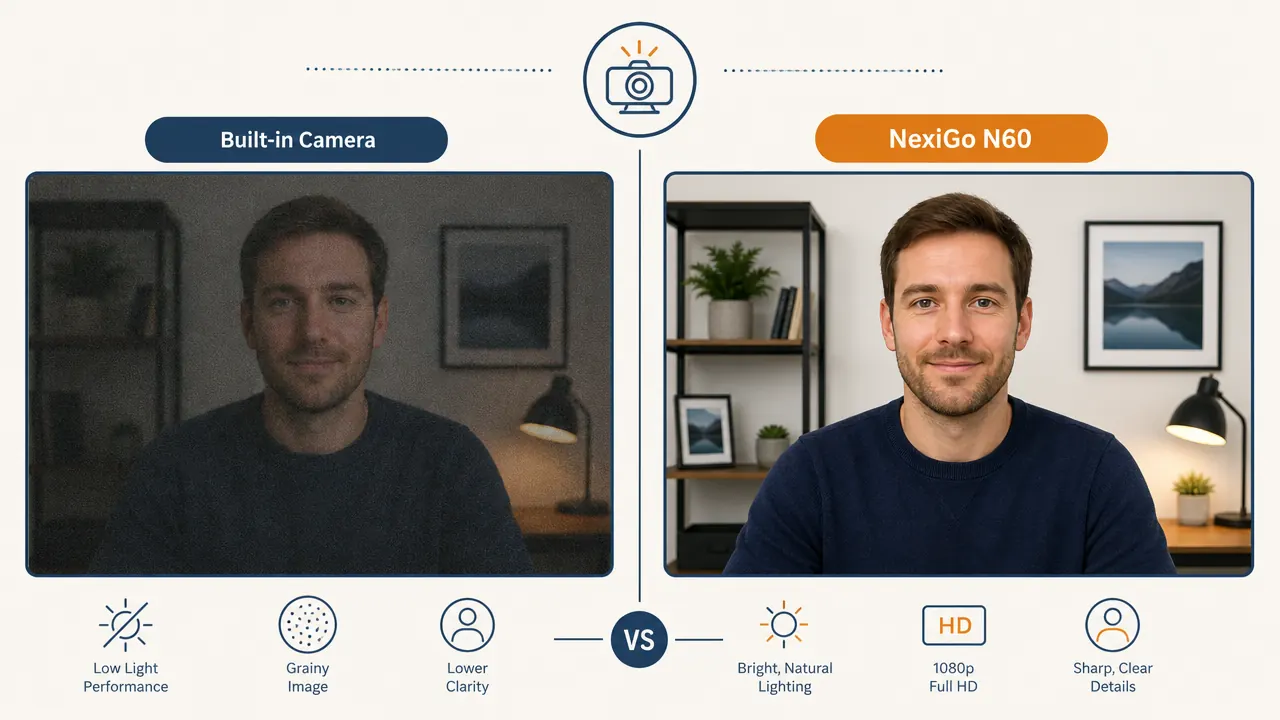
The difference was not subtle. The N60 shoots at 1080p with a 78-degree field of view, which framed me from mid-chest up without making me look like I was sitting three feet from the camera. The autofocus kept my face sharp even when I shifted back in my chair. The built-in microphone picked up my voice cleanly enough that I stopped using my laptop's internal mic as a fallback. The privacy cover, a physical slider that blocks the lens entirely, became a reflex at the end of every call. Small thing, but I like that it exists.
Your team sees your video quality before they hear your ideas.
The NexiGo N60 is a 1080p USB webcam with autofocus, a built-in microphone, and a physical privacy cover. Over 52,000 Amazon reviewers. Plug-and-play with Zoom, Teams, and Google Meet. Budget-friendly.
Amazon Check Today's Price on Amazon →A few things I noticed after a month of daily use: the autofocus occasionally refocuses when my hands move in frame during a presentation. It is not dramatic, just a quick soft-to-sharp adjustment, but it is visible. The microphone picks up keyboard noise if I am typing while someone else is talking, so I switched to push-to-talk for those situations. These are real tradeoffs worth knowing. Neither of them changed my overall view of the camera, but I would rather you hear them from me than discover them mid-standup.
What I did not expect was how much the change affected how I carried myself on calls. This sounds psychological, and it is. When you know your video looks clear and your audio is clean, you pay less mental tax worrying about it. I stopped angling my face toward the window for better light. I stopped pre-apologizing for my setup. I just showed up. That shift is harder to quantify than resolution specs, but I think it is the actual value of getting a decent webcam.
What I'd Tell You If We Were Sitting at My Kitchen Table

Here is what I would actually say if you asked me in person: most remote workers spend real money on their laptop, their desk, their chair, and their coffee setup, and then broadcast their face to their colleagues through a camera that was designed to be a checkbox on a spec sheet. That is a strange set of priorities. Your camera is the first thing everyone on a video call notices about you. It is the part of your setup that faces outward.
The NexiGo N60 is not a perfect camera. If you are recording YouTube videos or streaming, you will eventually want something better. But for Zoom, Teams, and Google Meet on a typical workday, it produces a clean, sharp picture that looks like you care about your setup. At the current price, it is one of the most straightforward upgrades in a home office. You do not need to research it for three weeks. You need to plug it in and take your next call.
If you want to dig into the specifics before buying, my long-term NexiGo N60 review covers six months of daily call performance in detail. And if you are still on the fence about whether webcam quality actually matters, here are ten concrete reasons it does. The short version: your colleagues have already formed an opinion about your setup. The question is whether that opinion is working for you or against you.
Stop letting a bad camera undercut work you are doing well.
The NexiGo N60 is plug-and-play 1080p with autofocus and a physical privacy cover. No driver install. Ships fast on Amazon. Budget-friendly at today's price.
Amazon Check Today's Price on Amazon →