Fourteen months into a fully remote role, my laptop camera finally got me called out on a team standup. My manager said, casually, that my video looked like a security camera feed from 2009. She was not wrong. The NexiGo N60 showed up on my doorstep two days later, I clipped it to my monitor, and I have been using it on every call since. That was six months ago. What follows is not a spec sheet comparison. It is what I actually learned from daily use across Zoom, Microsoft Teams, and Google Meet, in a spare bedroom that gets decent morning light but goes dark by early afternoon.
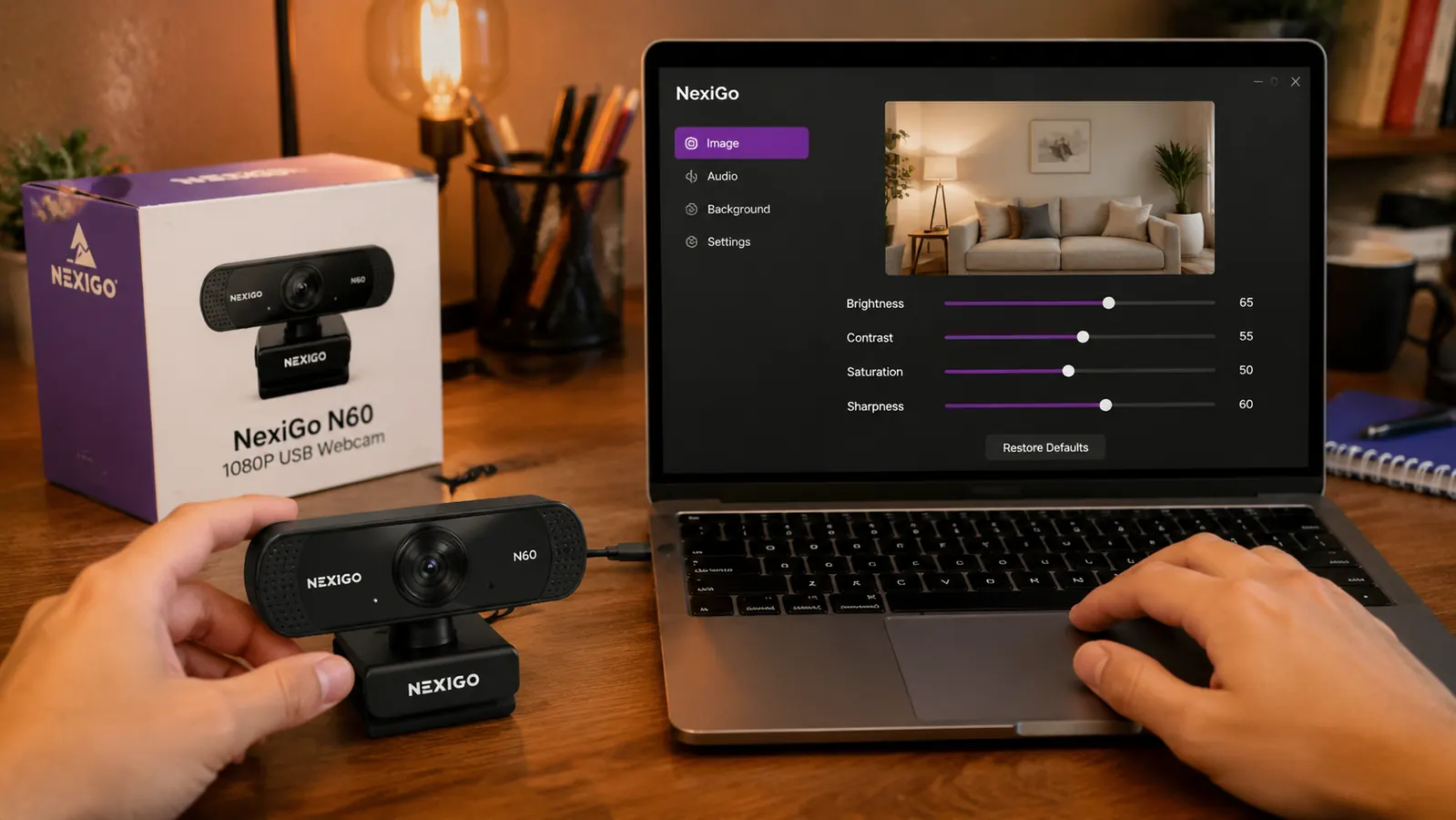
The NexiGo N60 is a 1080p USB webcam with a built-in microphone, a sliding privacy cover, and a companion software app that lets you adjust exposure, brightness, contrast, and white balance without digging into your OS settings. At current price, it sits below most name-brand alternatives. Over 52,000 Amazon ratings suggest a lot of people have tried it. I wanted to find out whether the long-term experience matches the initial impressions everyone writes about in the first week.
The Quick Verdict
A genuinely good budget webcam for remote workers who want a real upgrade over a laptop camera, but the microphone and low-light performance will push power users toward spending more.
Amazon Check Today's Price →Still on your laptop camera? Your team notices more than they say.
The NexiGo N60 takes about four minutes to set up and immediately puts you ahead of 80 percent of people on any video call. Check today's price and see if it fits your setup.
Amazon Check Today's Price on Amazon →How I Have Used It
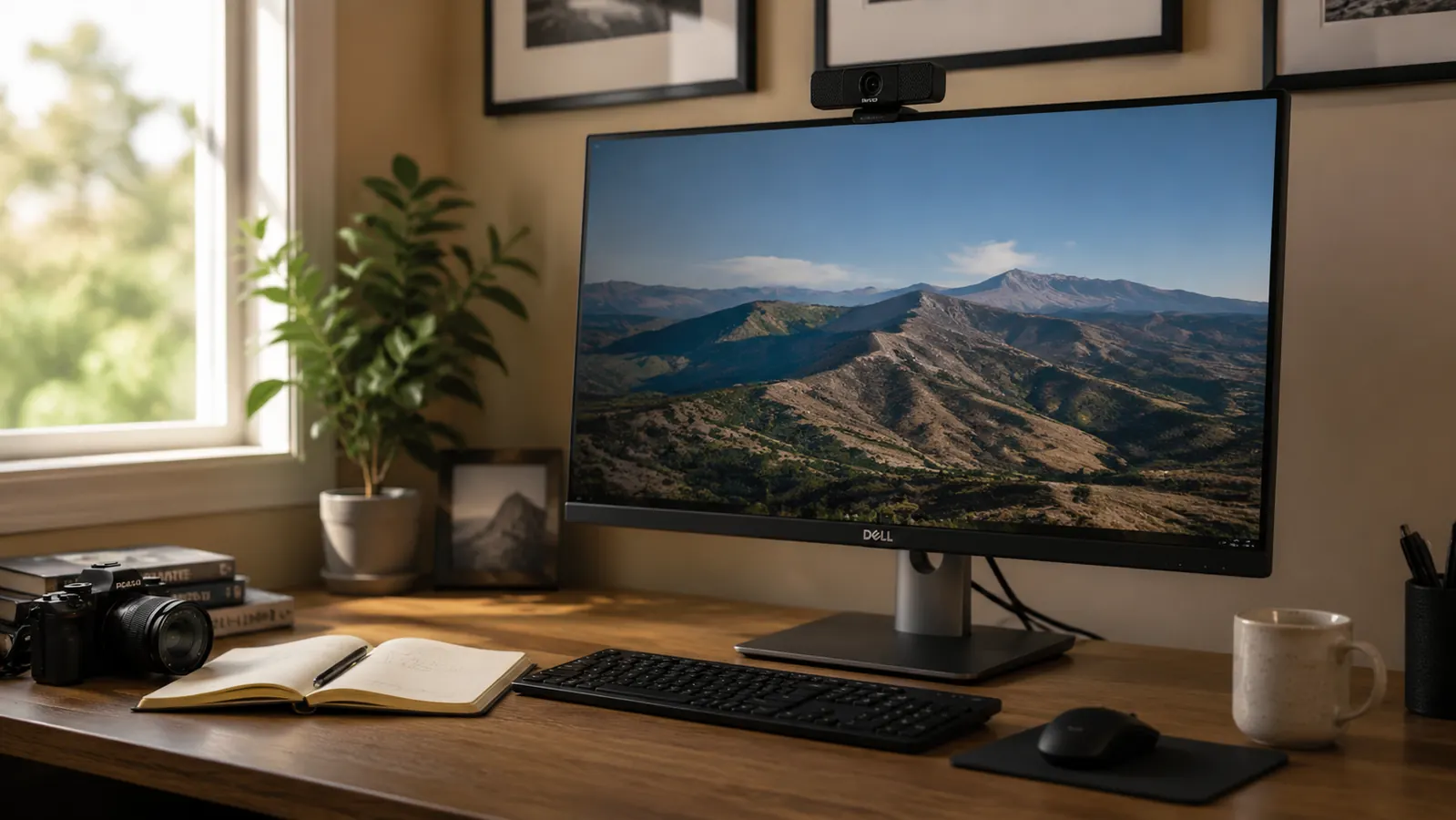
My home office is a 10x12 spare bedroom on the north side of the house. Morning light from a window to my left gives me decent natural fill until about 11am. After that, I am running on a ring light and overhead LED fixtures. My monitor is a 27-inch display at desk height, and the N60 sits clipped to the top bezel, which is where it lives permanently. I run about eight to twelve video calls per week, a mix of one-on-ones, team standups, and client presentations. Some of those calls are on Zoom. Some are on Teams. Some are on Google Meet. The webcam behavior was consistent enough across all three that I am not breaking out platform-specific notes.
Setup took me under five minutes. Plug the USB-A cable into a port on my hub, wait for Windows to recognize the camera, open the NexiGo software, and done. I did not need to install drivers separately. The software popped up after a quick download from NexiGo's site. I spent another few minutes adjusting exposure and white balance for my specific lighting situation, then left it alone. I have not touched those settings since the first week.
The privacy cover is one small thing I use constantly. I close it whenever I step away from my desk during a meeting to mute video instantly without navigating any software. It is a physical reassurance that the lens is blocked. The hinge feels solid after six months of daily sliding. No looseness, no sticking.
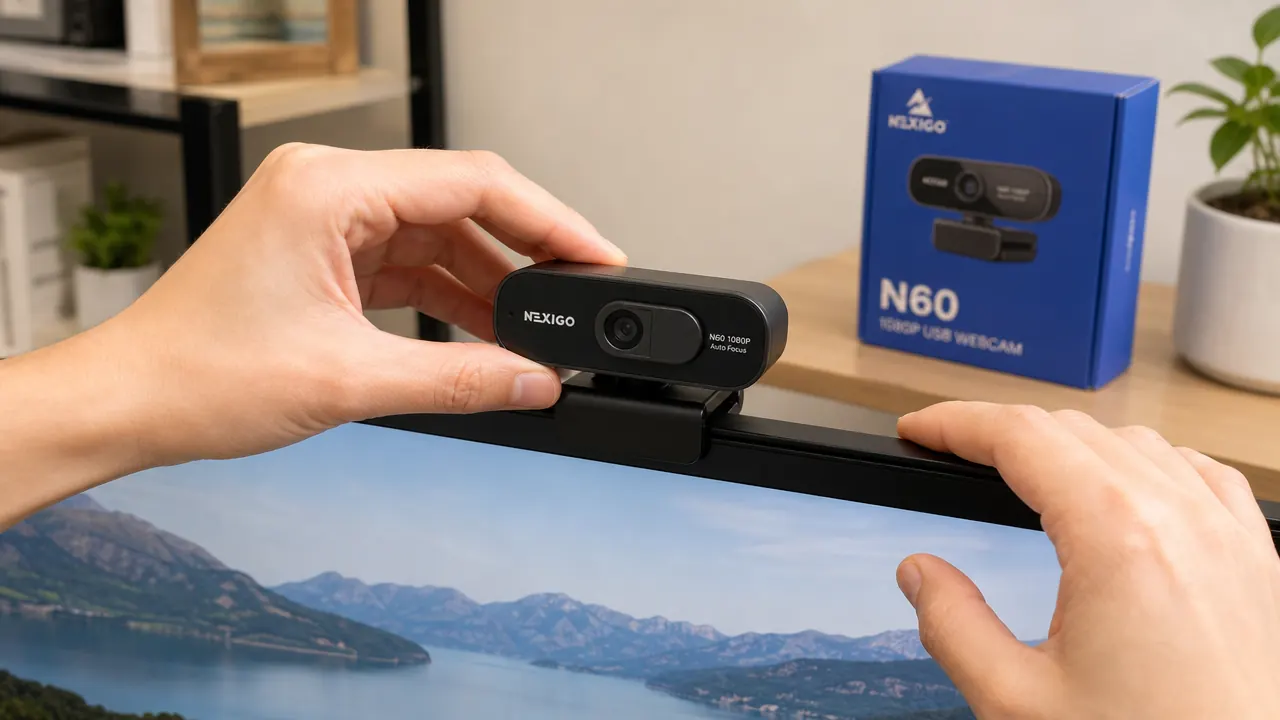
Image Quality: Where It Earns Its Price
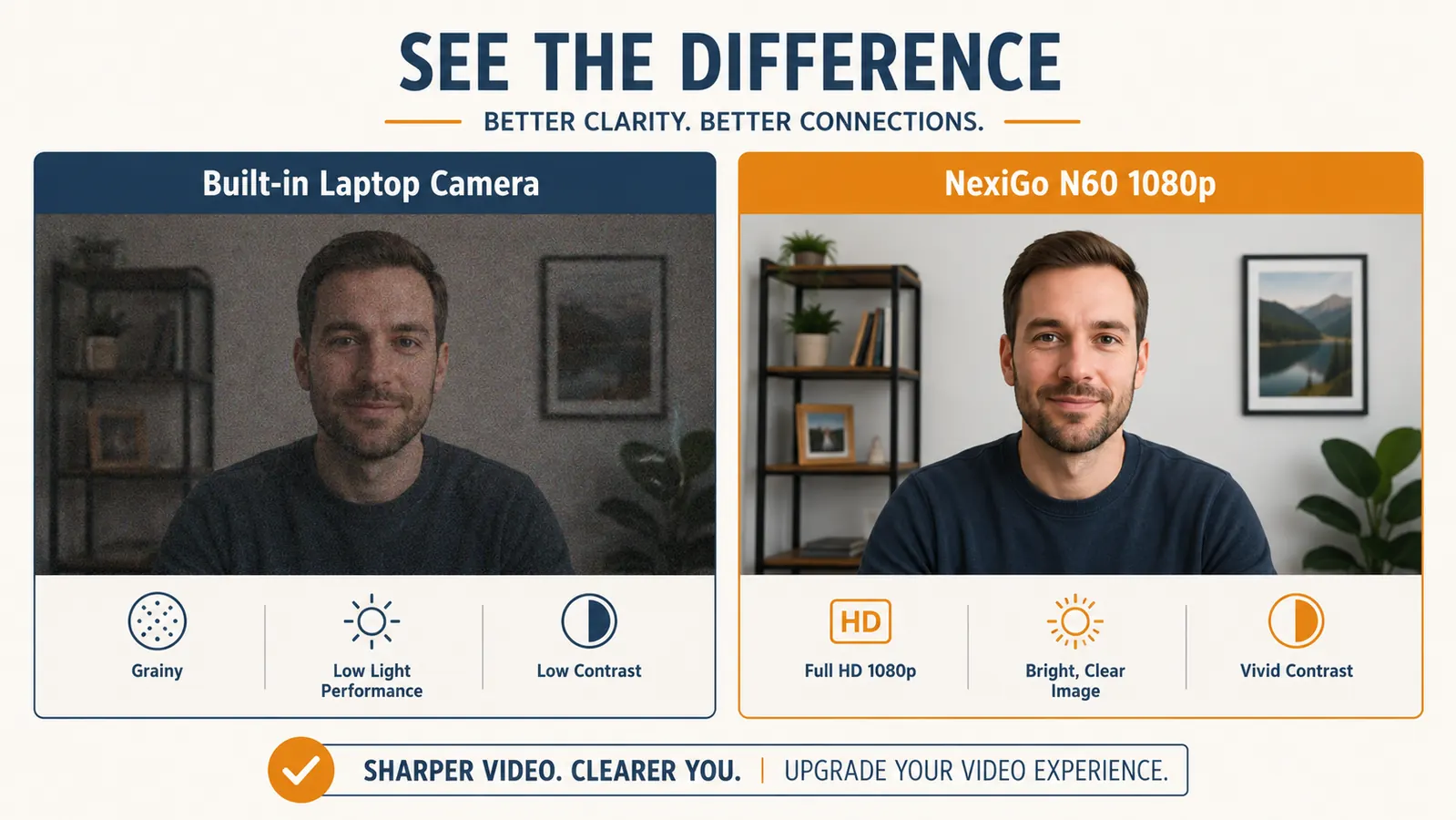
In good light, the N60 produces a clean, sharp 1080p image. Colors are accurate without looking artificially saturated. My face reads clearly on the other side of the call. When I tested it side by side against my MacBook Pro's built-in FaceTime camera during a call, the difference was immediate: the NexiGo produced more contrast, better edge definition, and noticeably smoother motion during quick head turns. The built-in camera was acceptably usable. The N60 was clearly better.
The 78-degree field of view is a reasonable trade-off at this price. It is wide enough to show my upper body without capturing every corner of my room, which matters when your background is a wall of shelving you did not bother to style. The autofocus is snappy when I lean in toward the camera and reliable when I lean back. I have not had a single call where my face dropped out of focus and stayed there.
Where image quality starts to slip is low light. Once my room stops getting natural fill, the N60 introduces noticeable grain. The software lets you push exposure to compensate, but past a certain point you are trading grain for a slightly washed-out look. A ring light or desk light behind your monitor solves this completely, but if you are hoping the camera handles poor lighting on its own, it does not. Most webcams in this price range share that limitation, but it is worth knowing before you buy.
In good light, the NexiGo N60 punches well above its price. In dim rooms, it tells you exactly what it is: a budget camera that wants good lighting to perform.
The Software Control App: Genuinely Useful, With Caveats
NexiGo's companion app is the feature that separates this camera from many competitors at the same price. You can adjust brightness, contrast, saturation, sharpness, white balance, and exposure without touching your operating system's camera settings. For someone working across different lighting conditions throughout the day, this is real practical value. I have a saved configuration for my bright-morning setup and another for my afternoon-with-ring-light setup.
The downsides are worth noting. The app interface is dated and not immediately intuitive. First time users will spend a few minutes poking around before finding the controls they want. On Windows, it ran without issues for six months. On macOS, two colleagues who bought the N60 on my recommendation reported occasional crashes, though NexiGo has pushed software updates since then. The app is helpful when it works. It is not polished enough to be called a selling point to someone who values clean software design.
Microphone: Functional, Not a Replacement for a Standalone Mic
The built-in microphone records clear enough voice audio for casual calls. On quiet days, people on the other end hear me without complaint. In a room with any background noise, though, the microphone picks up everything: the hum of a fan, the click of a mechanical keyboard, traffic through a cracked window. It does not do much noise cancellation on its own. Zoom's AI noise suppression helps substantially when it is turned on, but that is software doing the heavy lifting, not the camera hardware.
If you do more than casual team calls, if you present to clients regularly or record any video content, the built-in mic is a step up from a laptop microphone but not a substitute for a dedicated USB or XLR microphone. I switched to a Blue Snowball about two months after getting the N60, not because the NexiGo mic was bad, but because I wanted more separation between camera and audio hardware. A standalone mic on a short arm gets the microphone closer to your mouth and farther from keyboard noise, and the difference is obvious.
Build Quality and Long-Term Durability
The N60 is made of matte plastic. It does not feel premium. It also does not feel fragile. The clip mechanism that holds it to the monitor top is firm with no wobble after six months of daily adjustments. The USB cable is roughly 5 feet long, which is adequate for most setups. The cable itself is thin enough that I occasionally worry about its long-term durability at the connection point, but nothing has frayed or failed.
The camera housing is light enough that it does not shift the balance of a thin monitor bezel. I have seen heavier webcams tilt a monitor's bezel backward over time. The N60 has not done that. The swivel base lets you tilt the camera up and down to dial in your angle. After six months, the tilt friction still holds position without any loosening I can detect.
What I Liked
- Sharp, accurate 1080p image in good to moderate lighting
- Software app gives real-time control over exposure and white balance without OS settings
- Privacy cover is physical and reliable, slides smoothly after months of use
- Simple plug-and-play setup with no driver installation required
- Clip mount holds firmly on monitor bezels up to about 1 inch thick
- 52,000-plus Amazon reviews suggest broad real-world compatibility across systems
Where It Falls Short
- Low-light performance degrades noticeably without supplemental lighting
- Built-in microphone picks up background noise and requires Zoom or Teams noise cancellation to compensate
- Companion software has a dated interface and occasional stability issues on macOS
- Thin USB cable may show wear at the connector over extended use
- No autofocus lock option, which can be distracting in very close-up shots
Alternatives I Considered Before Sticking With the N60
The Logitech Brio 101 sits higher-priced and is the most common comparison people make. The Brio 101 has a cleaner software experience and better low-light handling, but the image quality difference in a well-lit room is smaller than the price gap suggests. If your lighting is reliable and you value simplicity over flexibility, the N60 is the better value. If your lighting is inconsistent and you do not want to manage camera settings manually, the extra spend on the Brio 101 pays for itself in less frustration. I cover that comparison in detail if you want the side-by-side breakdown.
I also looked briefly at the Razer Kiyo, which has a built-in ring light. In theory that solves the low-light problem without a separate lamp. In practice, the ring light is too close to the lens to produce flattering fill light, and the camera sits notably larger and heavier on a monitor. The NexiGo's footprint and profile are a real practical advantage in any setup where monitor real estate matters. For more on what makes a webcam worth the purchase in the first place, the 10 reasons a good webcam matters for remote work covers the decision from a different angle.
Who This Is For
The NexiGo N60 is the right call for a remote worker who is currently on a built-in laptop camera and wants a meaningful, immediate upgrade without committing to a prosumer price point. If you have a reasonably well-lit workspace, join five or more video calls per week, and want something that works reliably across Zoom, Teams, and Meet without a complex setup, the N60 delivers exactly that. It is also a reasonable starting point for someone setting up their first permanent home office on a budget before deciding how much they want to invest in audio and video gear long-term.
Who Should Skip It
If you record content, host webinars, or do sales calls where your professional appearance carries weight, the N60's low-light limitations and mediocre microphone will start to feel like constraints within a few months. You will end up adding a ring light and a standalone mic anyway, at which point the camera becomes one piece of a larger rig. For that use case, starting with the Logitech Brio 101 or stepping up to the Logitech C920 gives you more headroom. Also worth skipping if your primary camera platform is macOS and you rely heavily on companion software, given the stability complaints from a few Mac users I know personally.
Six months in, I would still buy it at today's price for a straightforward home office setup.
If you are upgrading from a laptop camera and do not want to overthink it, the NexiGo N60 is a reliable starting point. Check current availability and today's price on Amazon before making the call.
Amazon Check Today's Price on Amazon →