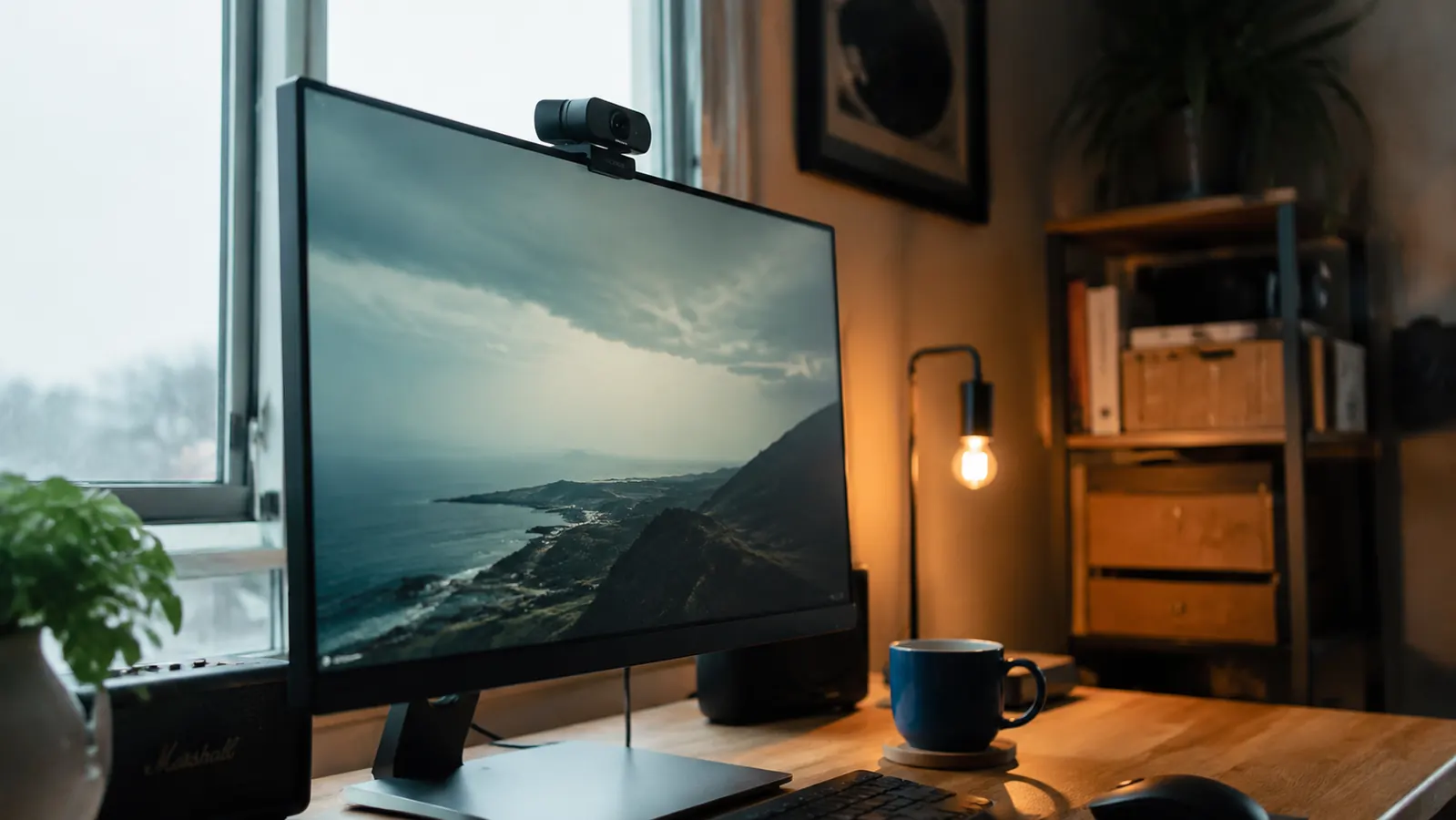
Here is the thing about a webcam with 52,509 Amazon reviews: the rating is real, but the crowd is not telling you the whole story. Most people who leave five stars on a budget webcam are comparing it to a built-in laptop camera that was designed as an afterthought. That is a low bar. I wanted to know whether the NexiGo N60 actually holds up against the specific situations that matter to remote workers who are on camera every single day. So I spent time with it off-script: in bad lighting, on back-to-back calls, with the software app open, and with a microphone meter running. What I found is mostly good, occasionally frustrating, and worth knowing before you click Add to Cart.
The Quick Verdict
A genuinely solid budget webcam that earns its rating, with two real limitations the product page buries: it falls apart in low light and the microphone is barely adequate for quiet rooms.
Amazon Check Today's Price →If your current camera makes you look like you're calling from a submarine, this fixes that for cheap.
The NexiGo N60 is the most purchased 1080p webcam in its price range. Check today's price on Amazon and see if it's still in the budget tier.
Amazon Check Today's Price on Amazon →What the Listing Promotes vs What You Actually Get
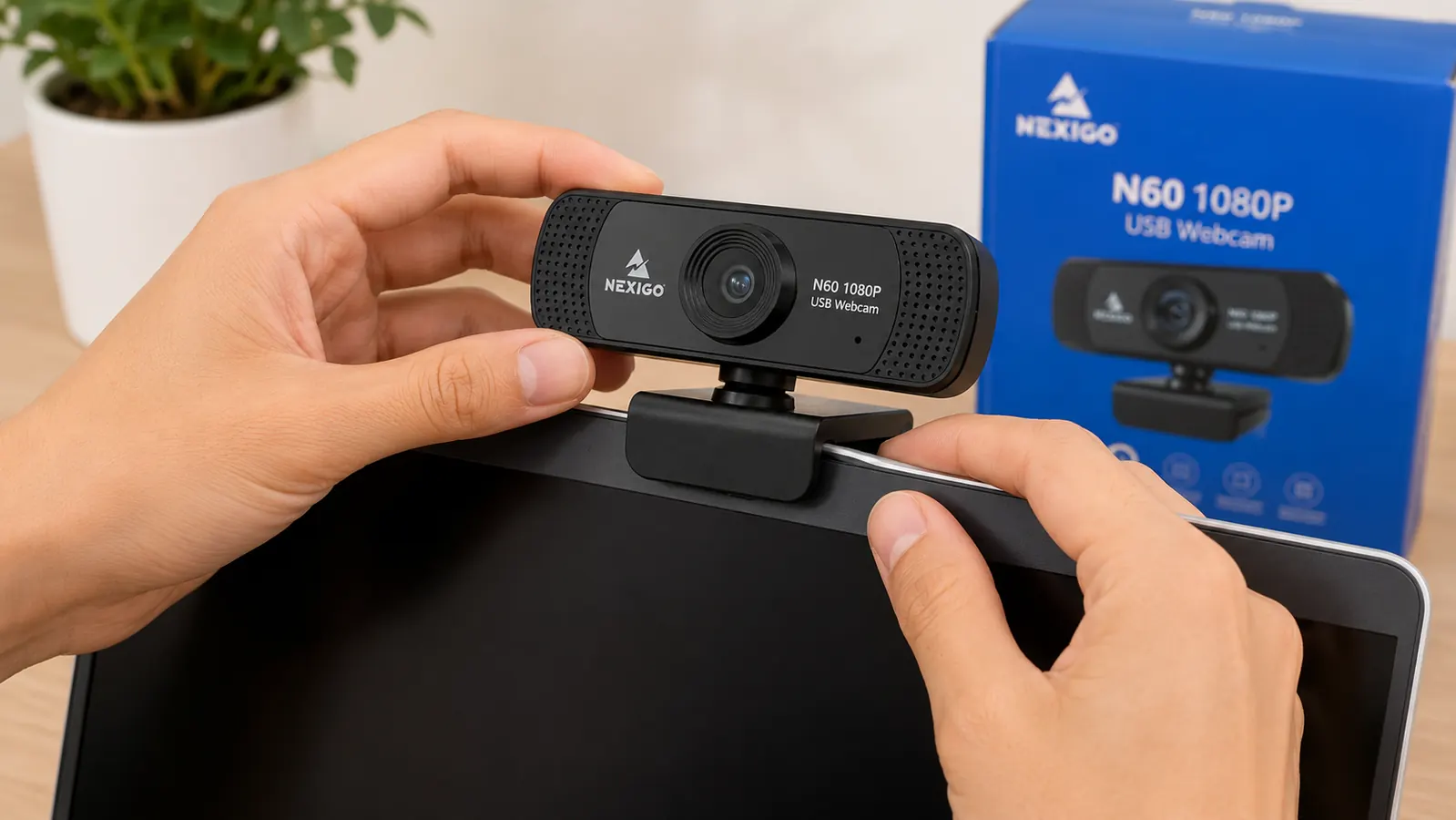
The product page for the NexiGo N60 leads with 1080p resolution, a built-in microphone, and a privacy cover. All three things are technically present. But the framing nudges you toward assumptions that do not hold in real conditions. Let me go through them one at a time.
The 1080p claim is accurate in good light. In a room with a window behind you or an overhead fixture directly above, the image is sharp, the color rendering is reasonable, and the autofocus lands quickly. On a call with a well-lit backdrop, the N60 will make you look like a professional who bought a real webcam. That part is true.
The built-in microphone is where expectations need to be calibrated. NexiGo calls it a "noise-reducing microphone" on the listing. In a quiet room with no HVAC, no traffic outside, and no fan running nearby, it picks up voice clearly enough for calls. The moment you add ambient noise, the quality drops faster than you would expect from a mic described as noise-reducing. It does not cancel noise so much as it captures it along with your voice at a slightly lower gain. If your home office has any background sound at all, a budget USB microphone will outperform the built-in mic by a margin that people on the other end of the call will notice immediately.
The Low-Light Problem Nobody Warns You About
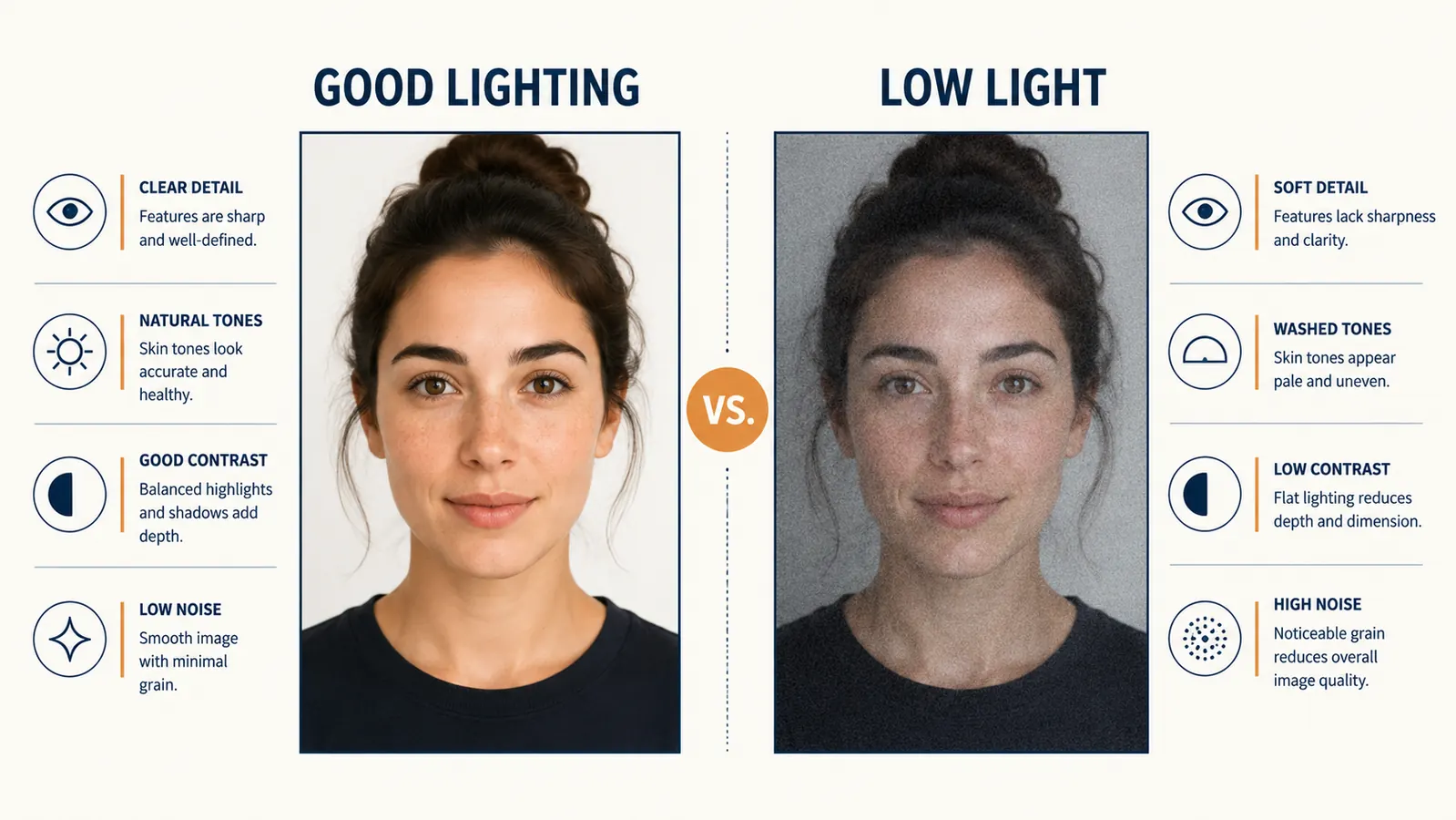
This is the biggest gap between what the product page implies and what you will experience. The NexiGo N60 has a fixed aperture and no infrared illumination. In a well-lit room it looks fine. When the light drops, and this includes late afternoon when the sun shifts away from your window, the image degrades quickly into a grainy, washed-out mess that no software setting will fully rescue.
I tested this deliberately. I kept my desk lamp off and closed one set of curtains to simulate a typical overcast afternoon setup. The image quality dropped from acceptable to embarrassing within about 30 percent reduction in available light. The autofocus started hunting. The grain became visible on the other person's screen. The face-to-background separation fell apart. If you take calls in the evening or work in a room without a strong dedicated light source pointing at your face, the N60 will let you down at exactly the moments you need it most.
The NexiGo N60 is not a low-light webcam. It is a well-lit-room webcam. Knowing that one fact upfront saves you the frustration of troubleshooting an issue that software cannot fix.
The fix is not buying a better webcam. A budget ring light or desk lamp aimed at your face will do more for your image quality than spending twice as much on a different camera. But the N60 listing does not tell you that your lighting matters more than the camera itself. Most budget webcam listings do not.
The Software App: Useful Once, Then You Forget About It
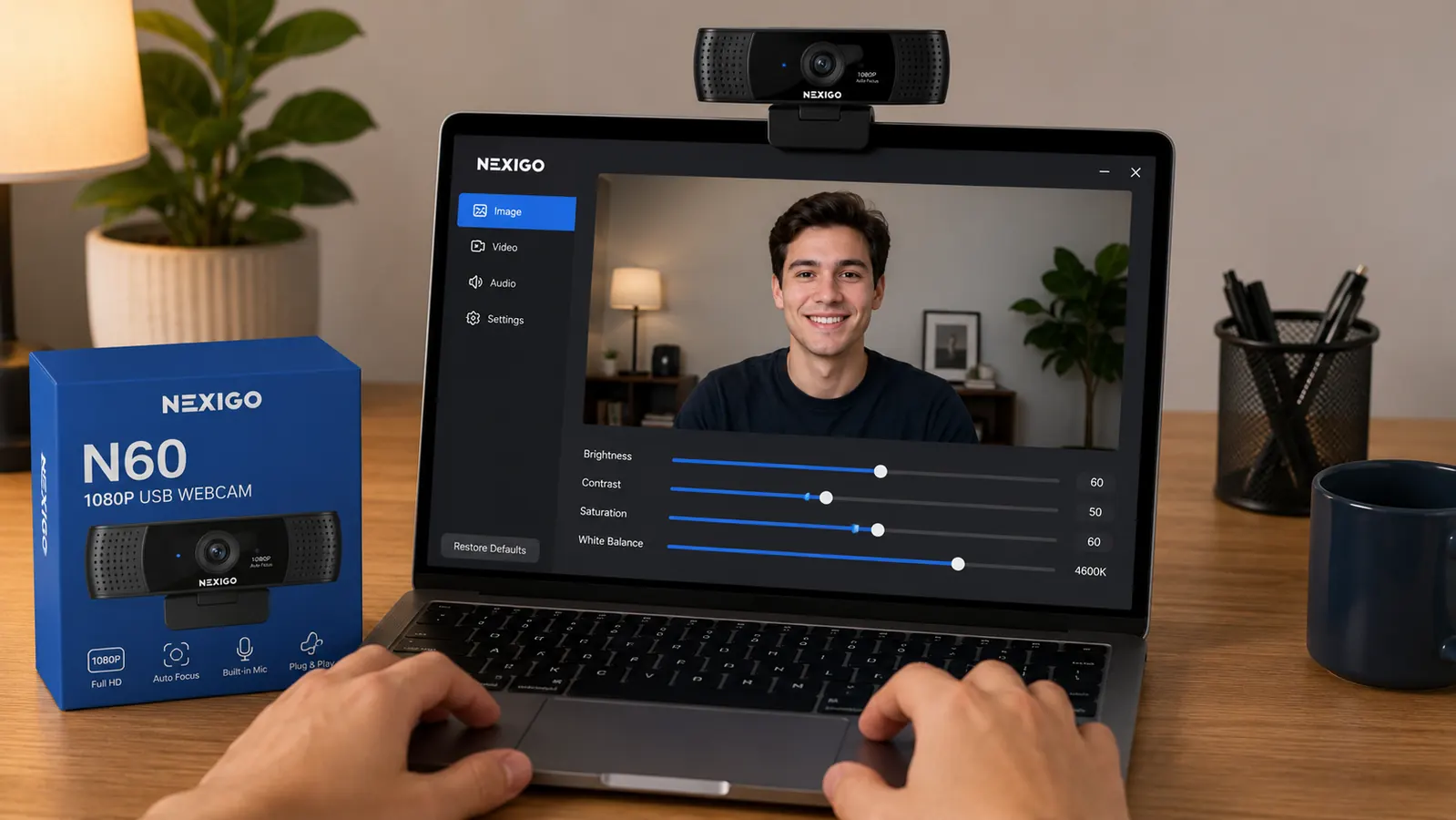
The NexiGo N60 ships with software that lets you adjust brightness, contrast, saturation, sharpness, and white balance. The app is functional, and being able to manually tweak these settings is a genuine advantage over cheaper webcams that offer no control at all. On Windows, installation is straightforward. On Mac, permissions take a few extra steps that the included instructions do not fully cover.
Here is what the marketing gloss skips: most people open the software once, nudge the brightness up slightly, and never open it again. The controls are there if you want them, but the defaults are calibrated reasonably well for standard office conditions. Where the software matters most is in addressing the low-light issue. You can push brightness and reduce sharpness to soften the grain in dim conditions. It helps somewhat. It does not fix the underlying sensor limitation.
One specific note: the software does not run in the background and auto-restore your settings after a system restart by default on all setups. A handful of users, myself included on one machine, found that after a reboot the camera reverted to default values and the custom settings needed to be re-applied. It is a minor annoyance rather than a dealbreaker, but it is the kind of thing that would have been useful to know upfront.
The Privacy Cover: Genuinely Good, With One Caveat
I want to give NexiGo credit here because the privacy cover on the N60 is better than the little stick-on lens covers that most competitors include. It is a physical sliding cover built into the camera body itself. You slide it open for calls and slide it closed when you are done. No adhesive residue, no losing a tiny piece of plastic behind your monitor.
The caveat is that the cover does not block the indicator LED when closed. The LED stays dark when the camera is not active regardless of the cover position, so this is not a privacy risk. But some users interpret a closed cover as meaning the camera is fully off in every sense. It is not: the camera still appears as a connected USB device and could theoretically be accessed by software even with the physical cover closed. The cover blocks the lens. It does not disable the hardware. For the overwhelming majority of remote workers, this is a non-issue. For anyone with specific privacy concerns about the camera being active without visual output, the distinction matters.
What I Liked
- Sharp, accurate image quality in well-lit conditions at a price that is hard to beat
- Physical privacy cover built into the body, not a stick-on afterthought
- Software app gives real manual control over brightness, contrast, and white balance
- Simple plug-and-play USB setup with no driver installation required on most systems
- Wide 90-degree field of view works well for solo calls and shows enough background context
Where It Falls Short
- Image quality degrades significantly in low or inconsistent light, more than budget competitors at the same price
- Built-in microphone is marginal at best; any ambient noise makes it noticeably inadequate
- Software settings do not always persist after a system restart without manual re-application
- Privacy cover blocks the lens but does not disable the USB device, which may matter to some users
- Autofocus hunts noticeably in dim conditions before locking on, causing brief blurry moments on calls
What the 52,000 Reviews Are Actually Measuring
A 4.3-star rating from over fifty thousand people is a meaningful signal. But it is worth understanding what those reviewers are mostly comparing the N60 to. The single most common sentiment in the positive reviews is some version of "so much better than my laptop camera." That is a real improvement, and it is worth something. A built-in laptop camera on a premium MacBook or a mid-range Windows laptop is typically a 720p sensor designed to hit a cost target, not perform on calls. Replacing it with a dedicated external camera almost always improves the picture regardless of which camera you pick.
What the aggregate rating does not surface cleanly: the negative reviews cluster around two specific failure modes. First, people who set up in dim rooms and blamed the camera for what was actually a lighting problem. Second, people who needed the microphone to do actual heavy lifting in noisy environments and found it inadequate. Both of those failure modes are predictable if you know what to look for, and neither of them will affect you if you have a decent desk lamp and are open to pairing the camera with a separate microphone.
The N60 earns its rating from the majority of buyers because the majority of buyers are in well-lit rooms, on calls with people who are tolerant of minor audio imperfections, and comparing it to something much worse. If you fit that description, the rating is an honest reflection of your likely experience.
Who This Is For
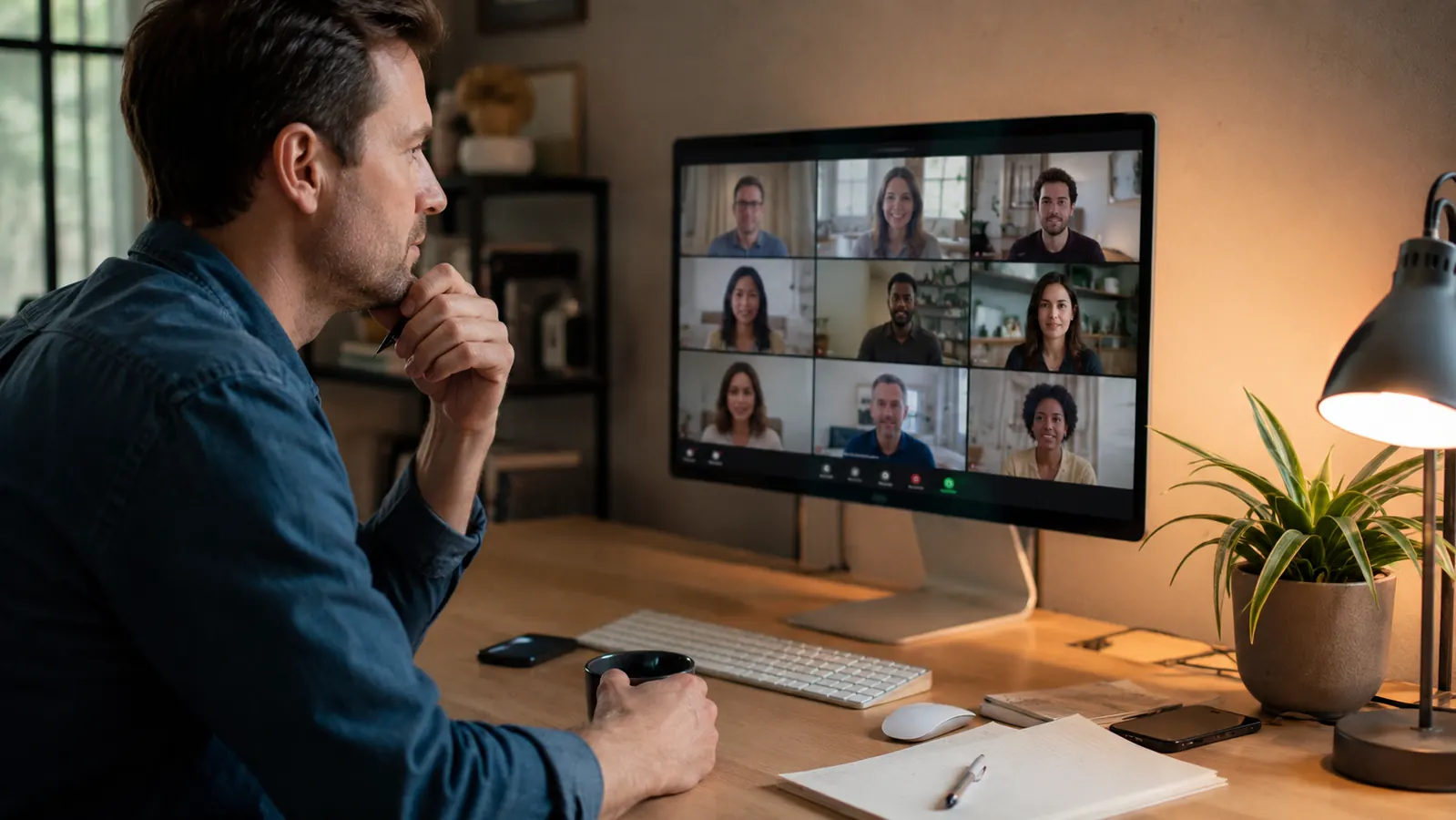
The NexiGo N60 is the right call if you are a remote worker or hybrid employee who takes video calls most days, currently relying on a built-in laptop camera, and looking to improve your appearance on screen without a significant investment. It works well in standard office conditions with a window or lamp providing frontal light. The plug-and-play setup means you are up and running in under two minutes. The software gives you enough control to dial in the image for your specific setup. At the current price point, it is one of the best-value upgrades you can make to a home office on a budget.
Who Should Skip It
Skip the N60 if you take calls in the evening, in a room without a dedicated light source, or in a home office where the light changes significantly throughout the day. The low-light performance is a real limitation that will affect your call quality in ways your meeting participants will notice before you do. Also skip it if your audio situation is already challenging, meaning you work near HVAC vents, have a noisy household, or are regularly in calls where crisp audio matters for credibility. A combination of a slightly better webcam with the same budget microphone, or the N60 with a dedicated USB microphone, will serve you better in both of those scenarios. For anyone on a fixed budget choosing between the two, add the desk lamp before you upgrade the camera.
Still the right choice for most well-lit home offices at a budget-friendly price.
If you have a decent light source and want to stop apologizing for your grainy laptop camera before every call, the NexiGo N60 solves the problem without asking much from your budget. Check the current price before it changes.
Amazon Check Today's Price on Amazon →